.png)
One of the biggest advantages of Model Context Protocol (MCP) is that you no longer have to manually explain your research context every time you converse with LLM.
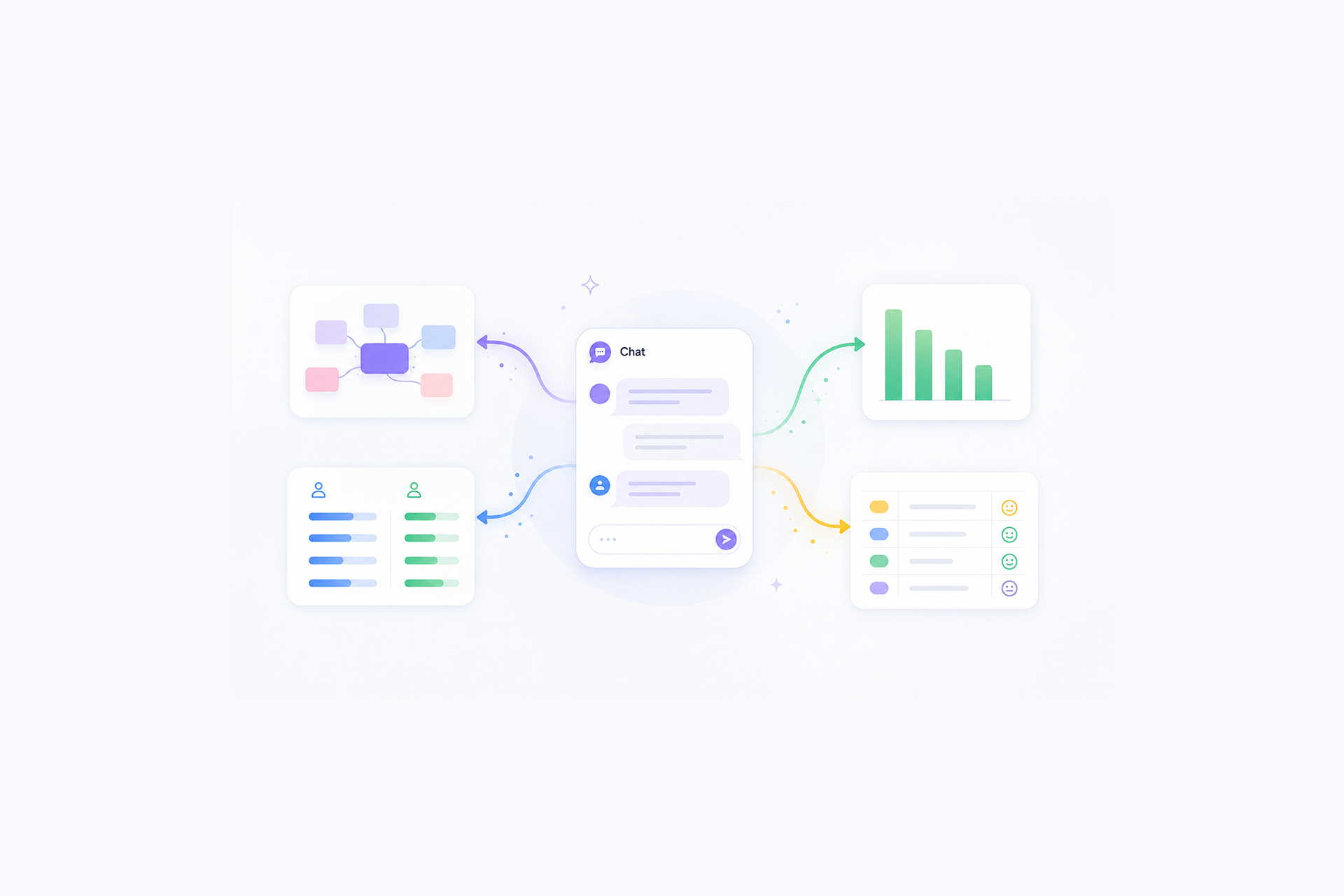
When AI is connected to your research tools, it can directly fetch data from the studies, transcripts, customer profile, and reports that already exist. Instead of pasting everything into a chat, you can focus more on what you want the AI to do.
That makes prompting easier, but only if you know what MCP can actually access and how to ask for the right action.
The opportunity is not just better summaries. You can use MCP to find past projects, compare studies, analyze transcripts, surface evidence, and turn existing findings into something useful for the next decision.
This guide walks through practical MCP-ready prompts for each stage of the research workflow, with a focus on what you can do, when to use it, and how to prompt effectively so you can save time without losing research context.

Creating effective Model Context Protocol prompts
Model Context Protocol changes what you need to put into a prompt. Without MCP, you often have to manually provide the study background, paste transcripts, what the participant criteria looks like, and describe what previous research found.
With MCP, much of that context can already be available. The prompt can focus more on what you want the AI to do with the research.
A useful MCP-ready prompt usually has three parts:
Put together, an MCP-available prompt might look like:
The key difference is that you are not spending most of the prompt rebuilding the study context. You are directing the AI toward the right sources and giving it a clear job to do.
MCP-ready prompts across the research workflow
Individual tools support different capabilities, including what actual data LLMs can access and whether they can read, create, or update information. The examples below are based on common prompt patterns and snippets widely used by researchers and actual Hubble customers.
A lot of the value in MCP comes from the back-and-forth, especially during planning and analysis. These phases are rarely one-shot tasks, where you might ask it to challenge a research question, optimize research design, compare an emerging theme against past studies, or dive deeper into conflicting findings .
The most useful workflows often feel less like issuing a single perfect prompt and more like bouncing ideas back and forth until the study direction or interpretation becomes sharper.
1. Research planning and brainstorming
Before starting a new study, you can leverage MCP to understand what research already exists, where the gaps are, and what should be investigated next. With those study context in mind, you can easily draft study plans.
1.1. Find relevant past research
You can then also ask it to export it to different read-ready formats including pptx, doc, and html.
1.2. Identify knowledge gaps
1.3. Compare findings across studies
1.4. Find evidence around a specific hypothesis
1.5. Draft a study plan based on existing evidence
2. Study design and setup
Once you know what is already known, MCP can help turn those gaps into a concrete study.
2.1. Turn research gaps into a study plan
2.2. Build on a previous study
2.3. Draft an interview guide
3. Recruitment and participant targeting
Recruitment is one area where MCP use is often overlooked. You can use MCP to define the right participant profile, translate research goals into screening criteria, and even launch recruitment directly (depending on the available tool).
3.1. Define the ideal participant profile
3.2. Create a recruitment screener
3.3. Create and launch the recruitment
For MCP tools with write access, you can go one step further:
This is a good example of where MCP starts to feel less like a chatbot and more like part of the research workflow itself.
4. Data collection and moderation
In some research tools, you can upload research plans and interview scripts so that artificial intelligence can have better context of your research.
One of the more useful patterns here is using MCP between sessions, not just before or after the study. As session recordings accumulate, you can continuously ask what is emerging, what you may be missing, and where the next conversation should go deeper without treating those early signals as final findings.
This step is one of the most commonly overlooked opportunities and benefits of leveraging MCPs as it can quickly gather real-time data and provide directional suggestions.
4.1. Generate stronger follow-up probes
4.2. Catch gaps while research is still running
4.3. Create a quick session recap
5. Data analysis and synthesis
Analysis is where MCP can save the most time, especially when you need to move beyond summarizing one transcript and start comparing patterns across participants or studies.
5.1. Identify themes across interviews
5.2. Compare participants or segments
Depending on the shape of the raw data, you might have to clean the dataset or provide additional documents so that LLMs get a better understanding of the full dataset.
5.3. Challenge an emerging finding
This is also where the back-and-forth becomes especially useful. Rather than asking for one final synthesis, you can keep probing: “What am I missing?”, “Does this hold across all participants?”, “Is there a stronger explanation?”, and provide your own interpretation to guardrail or correct the direction. That iterative conversation is often where the analysis gets sharper.
6. Creating artifact and reports
Once the analysis is done, MCP can quickly turn findings into scannable executive summaries along with key insights and verbatim quotes.
6.1. Create an executive summary
6.2. Turn findings into recommendations
6.3. Create charts and visualizations
For any quantitative data and results, you can leverage AI to run basic statistical tests and data visualization that can be used for your own sensemaking or reports.
You can also be much more specific:
6.4. Turn the research into a draft report
You can also have the draft in different formats:
Whether it's an in-depth interview or usability studies, MCP is especially useful to generate first-pass draft of reports and deliverables because this step often involves iteratively refining and prioritizing insights.
Instead of starting over for every deck, memo, or stakeholder update, you can keep all the data connected, and iterate the output that best fits the audience or whichever design decision that needs to inform.
Using MCP servers like a research partner
MCP changes prompting by giving AI access to the research context it would otherwise need you to explain manually.
The most effective workflows are often iterative: Find the right context, ask a focused question, review the evidence, then keep refining from there.
That means the goal is not to write longer, more elaborate prompts. It is to know what your MCP can access, what actions it can take, and how to give it a clear job to do.
FAQs


No. Many of the prompts can still be used with a general AI systems or LLMs by manually providing the relevant study context, transcripts, or findings. MCP mainly reduces that setup by giving AI access to connected research context and, depending on the tool, the ability to take actions.
Not at all. Many platforms provide ready-made connections. For most teams, using MCP is as simple as connecting an approved research platform to an AI tool.
It depends on the MCP server and your permissions. Some connections may only read studies, transcripts, or participant data, while others can also create studies, launch recruitment, update research artifacts, or export outputs. Check the capabilities available in your specific setup.
Usually not. One of the main benefits of MCP is that you can spend less time restating background information. The most useful prompts focus on directing the task: What data sources to look at, what question to answer, what comparison to make, and what kind of output you need.
FAQs
No. Many of the prompts can still be used with a general AI systems or LLMs by manually providing the relevant study context, transcripts, or findings. MCP mainly reduces that setup by giving AI access to connected research context and, depending on the tool, the ability to take actions.
Not at all. Many platforms provide ready-made connections. For most teams, using MCP is as simple as connecting an approved research platform to an AI tool.
It depends on the MCP server and your permissions. Some connections may only read studies, transcripts, or participant data, while others can also create studies, launch recruitment, update research artifacts, or export outputs. Check the capabilities available in your specific setup.
Usually not. One of the main benefits of MCP is that you can spend less time restating background information. The most useful prompts focus on directing the task: What data sources to look at, what question to answer, what comparison to make, and what kind of output you need.


.png)