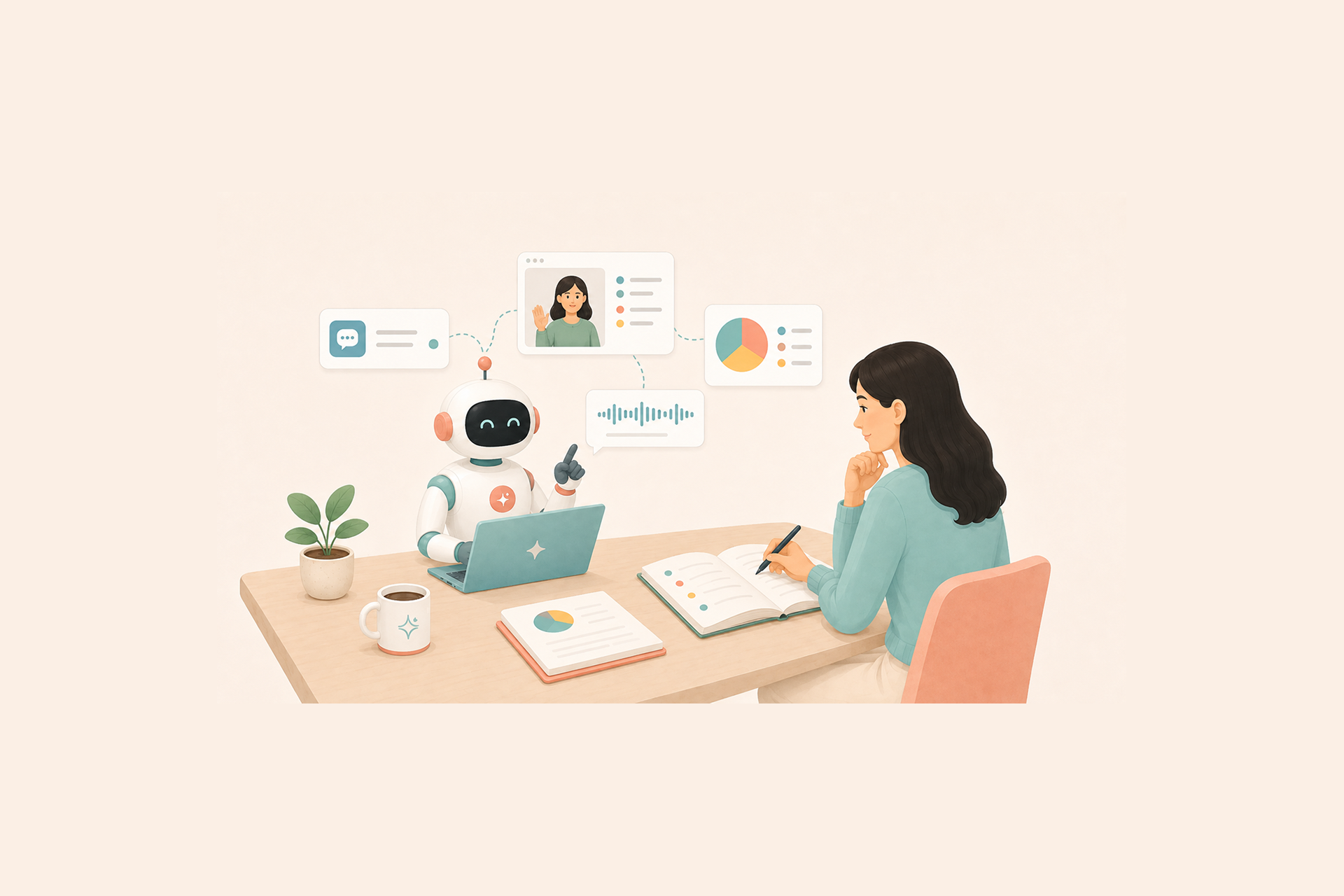
UX research platforms spent the past year wiring themselves into AI assistants. The mechanism is an open standard called Model Context Protocol, or MCP, and it lets an AI agent in Claude or ChatGPT work directly inside the tools where your research lives. An agent can search past studies, pull transcripts, draft study plans, and write notes back into the repository without anyone exporting a file. Dovetail, Maze, and UserTesting have all shipped some version of this. So has Hubble.
The appeal is easy to state. Repository search becomes a sentence, and the agent works with your actual data, in place. What is easier to miss is what changes the moment you click Connect. A piece of software you do not fully control can now read research data on your behalf, and research data is not ordinary workplace data.
If you lead a research team, run ReOps, or expect a security review to land on your desk over one of these integrations, this guide is for you. It covers what MCP is, where the governance questions sit, and how Hubble answers them.

What MCP is, in one minute
Model Context Protocol is an open standard launched by Anthropic in November 2024. It gives an AI application a consistent way to see what it can access in a connected tool and what it can do there. The usual shorthand is a USB-C port for AI. One protocol, many connections.
Behind the scenes, the AI app talks to a small piece of software the vendor hosts, called an MCP server. That server sits between the AI and the platform, telling the agent which actions it can take and which data it can read. When you ask a question, the agent makes a call, gets real data back, and grounds its answer in what is true right now rather than in stale training data.
None of this requires code on your side. Connecting is a settings toggle in the AI tool, not an engineering project, and if you want the fuller tour of what MCP can do across a research workflow, our MCP for UX research explainer covers it.
This article is about the MCP servers hosted by vendors, the kind research platforms ship. That detail matters, because it decides whose permission model the agent lives under.
Why research data is a special case
Three things set a research repository apart from a shared drive full of meeting notes.
Participant consent and scope creep
The data belongs to your participants, at least in every way that matters. People joined your studies under a consent agreement that spelled out how their recordings, words, and behavior would be used. When research runs on consent, GDPR requires that consent be specific and informed.
Researchers have a name for what happens when data collected for one purpose quietly drifts into another. They call it scope creep, and the line is easy to cross without noticing. Analyzing a session sits inside it. Feeding that session to an external model may not. In practice, participant trust is the asset a research practice runs on, and it rebuilds slowly.
Unreleased prototypes and roadmap exposure
Repositories also hold sensitive data that companies guard carefully everywhere else. Usability tests contain unreleased prototypes. Transcripts reveal roadmap intent, pricing experiments, features nobody has announced.
A repository is often the least protected place where that kind of confidential information sits written out in plain language. Nobody plans it that way. It is just where the raw material of research ends up.
Boundaries inside the workspace
Within a workspace, not everyone is supposed to see everything. A sensitive study about a struggling product line. Internal employee research. An early concept test under NDA. Your team already manages these boundaries with roles and study-level permissions.
The question is whether those boundaries survive once an agent enters the picture, and it breaks into three smaller ones. Any team should be able to answer them before connecting.
What can the agent see? Everything in the workspace, or only what the connecting user is allowed to see?
Who draws that line? Is data access scoped by the platform's existing permission model, or does the connection mint a new, broader key?
Is agent access recorded? When an agent reads a study, does it show up in an audit trail the way a person's access would?
You do not need a security background for any of this. If you run Research Ops, you already ask the same things about every tool that touches participant data. The only new part is the kind of user doing the touching.
The principle the industry has settled on
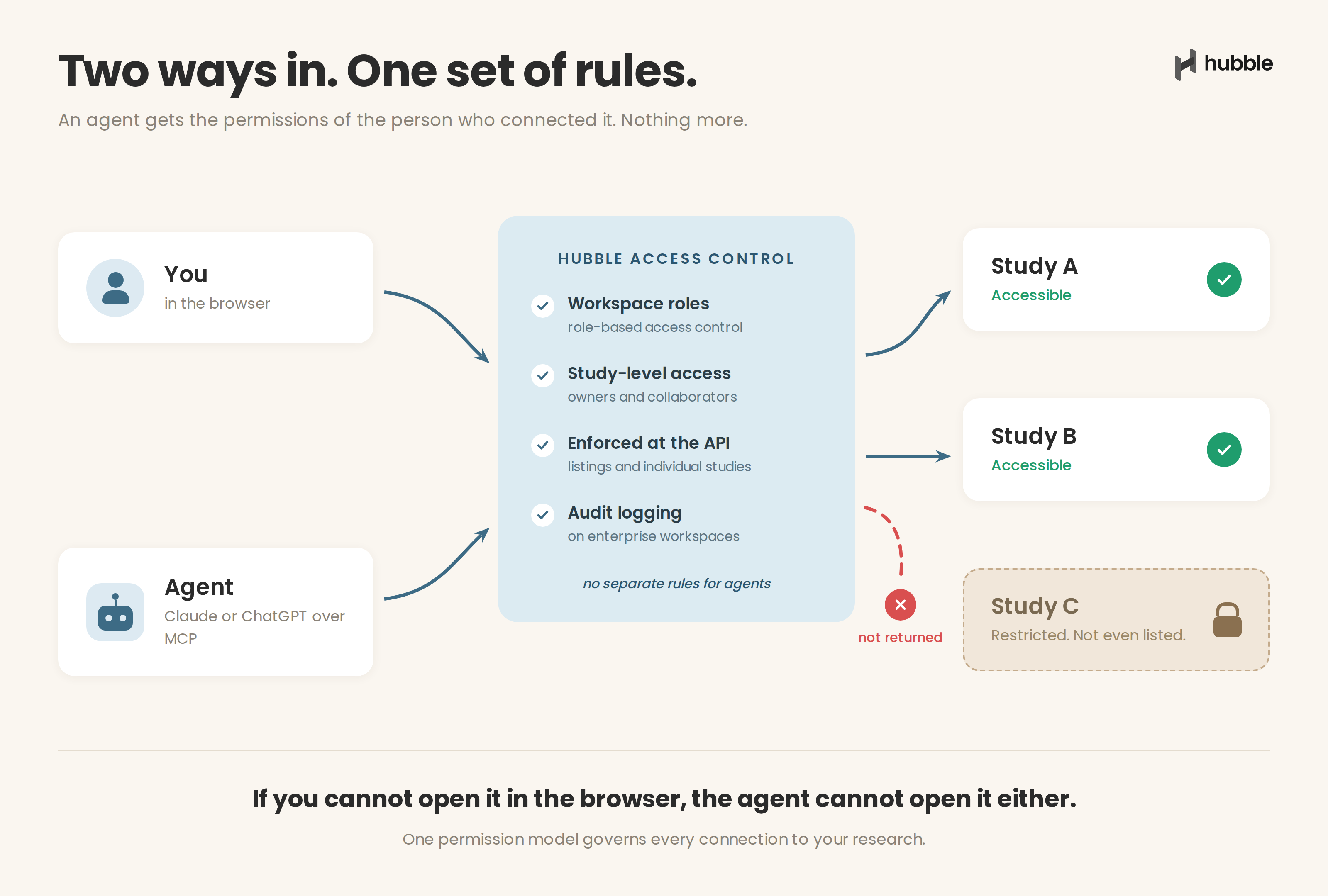
Enterprise software has mostly converged on an answer, and the answer is simple. An agent should operate with the permissions of the person who connected it, and nothing more.
The agent inherits your permissions
The idea shows up across the ecosystem in slightly different words. Atlassian, the company behind Jira and Confluence, describes its MCP tools as running "with the same permissions as the token owner." The MCP specification itself has moved the same direction, adopting scoped, revocable access tokens as its standard for authenticated connections.
Permissions-aware AI, permission inheritance, least privilege. Different names, same substance. The agent is not a new class of user. It is an extension of an existing one, bound by the same rules.
Where the open ecosystem falls short
The specification defines how authorization should work when a server implements it. What it does not do is require authorization in the first place. Authorization is optional under the same specification, which means the strength of any given connection is a choice each vendor makes.
How that choice is going in practice is now measurable. The first academic measurement of authentication security in real-world remote MCP servers, released in 2026, identified nearly 8,000 live servers on the open internet and found that around 40 percent exposed their tools with no authentication at all. Among the OAuth-protected servers the researchers could test in depth, every single one carried at least one implementation flaw, and the disclosures that followed produced nine officially catalogued vulnerabilities.
That population is far broader than the vendor-hosted servers this article is about, but the findings do not spare vendors. A server with no authentication cannot tell who is asking. A server with authentication is only as strong as the implementation behind it, and that quality is invisible from the outside. None of this is an argument against MCP. It is an argument for evaluating whatever sits on the other end of the connection, with evidence rather than assurances, because that is where its security is decided.
If a security review comes your way
Your security team will have its own checklist for an MCP integration, and some of it is their territory rather than yours. Which servers the organization approves, how often approvals get revisited, that kind of thing. The part you will be asked to answer, and the part a research platform should be able to answer for you, comes down to the same three questions above. What can the agent see, who draws that line, and is access recorded.
So when you evaluate a research platform's MCP support, ours included, those three questions are the test. Here is how Hubble answers them.
How Hubble handles agent access
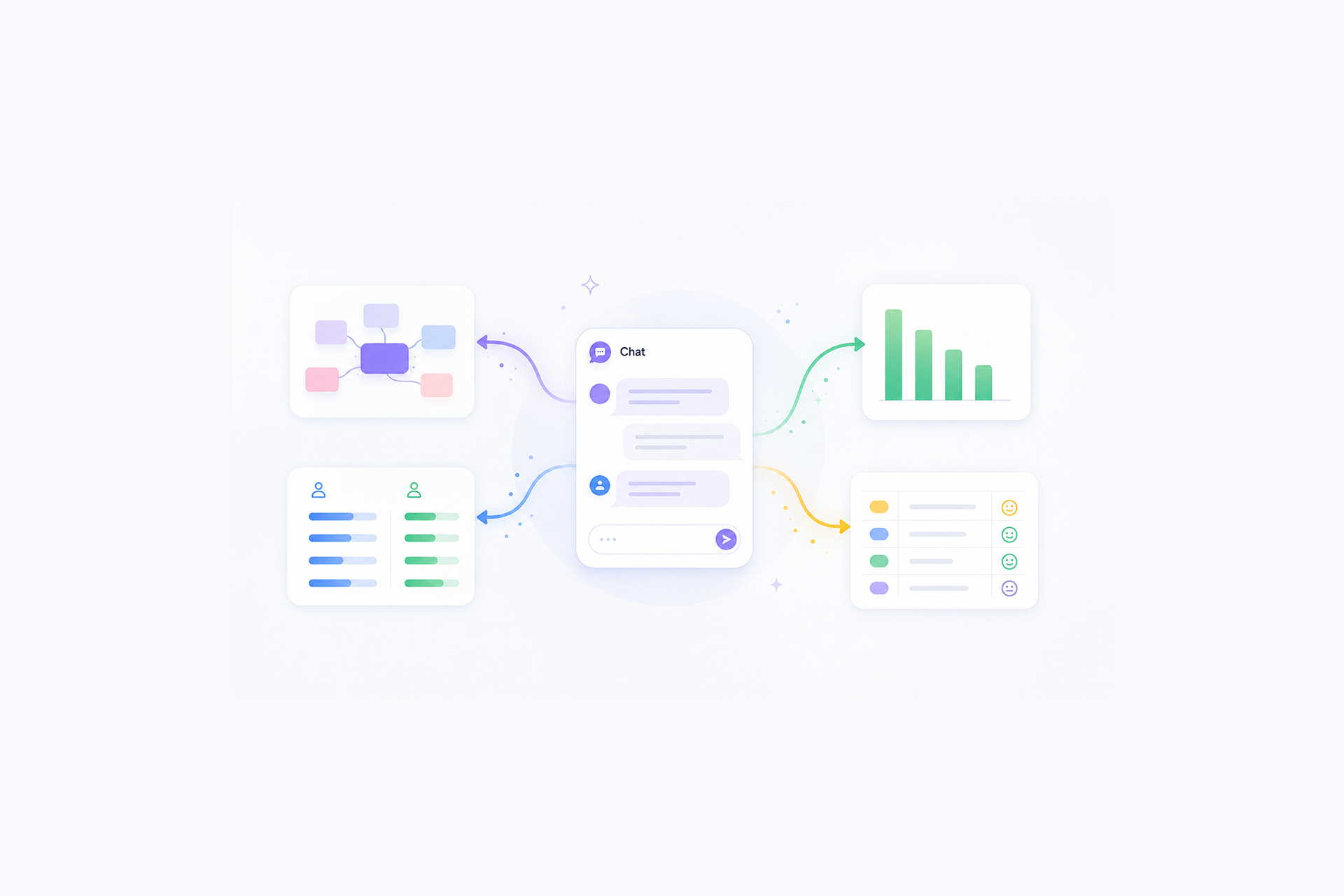
Hubble's MCP support is not a read-only bolt-on. From a Claude or ChatGPT conversation you can create studies and study plans, and the connection hands the agent your existing plan to work from, so the questions it asks about your goals start from what you have already written. It can take and update notes on your recordings, each note carrying its transcript quote so findings stay traceable, and it works across multiple teams in a workspace.
That is a working research workflow, which is exactly why the guardrails underneath it matter. They are not a separate system invented for agents. They are the same workspace roles and study-level access controls that govern everything else in Hubble.
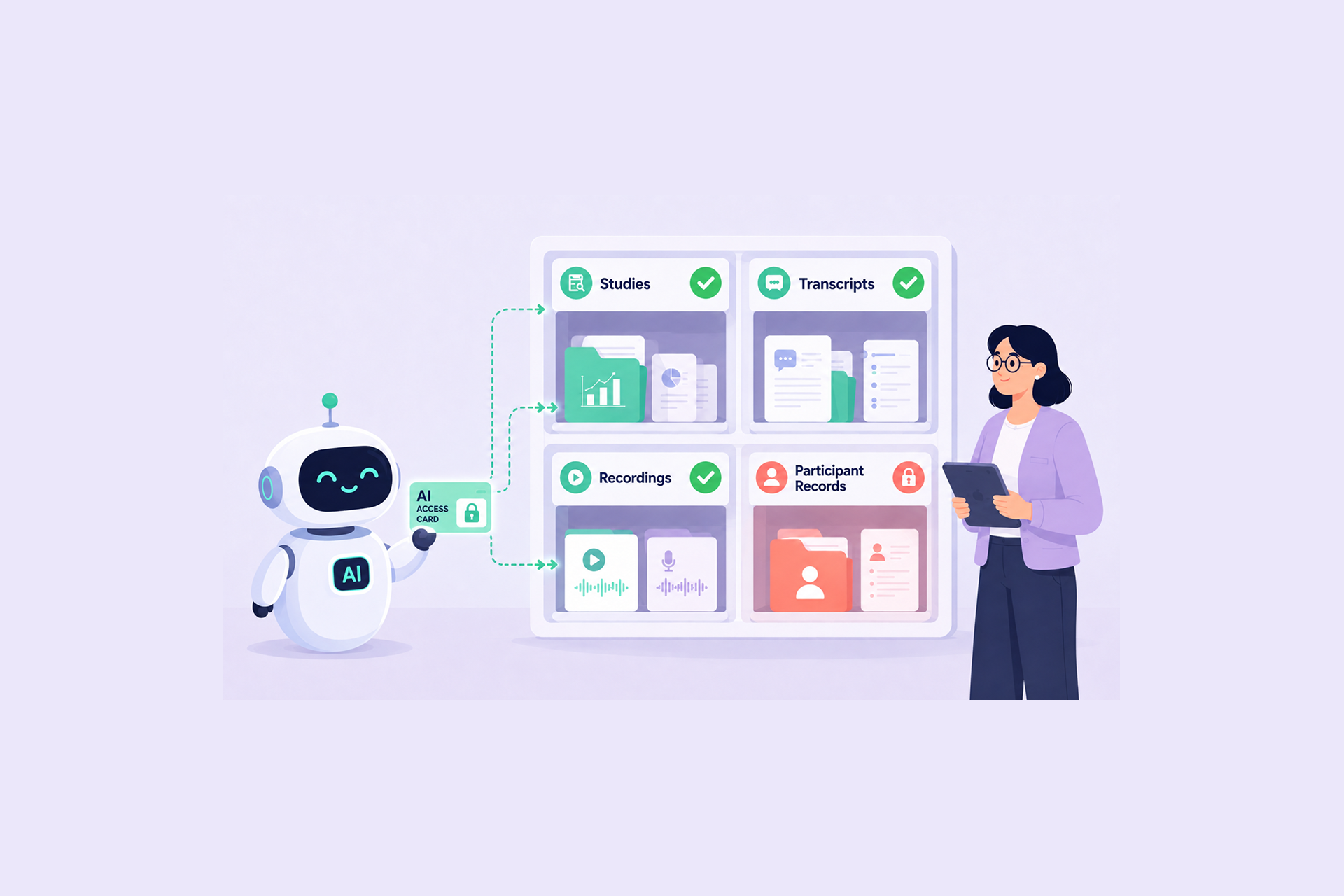
What can the agent see? Only what you can.
Study access levels are not an AI setting. The access a study owner grants governs human collaborators and connected agents alike, and there is no side door where an agent connection widens data access beyond what an admin configured.
Governing agent access asks nothing new of you. If your workspace permissions are in order, your agent boundaries already are.
Who draws that line? The controls you already use.
Study access levels are not an AI setting. The access a study owner grants governs human collaborators and connected agents alike, and there is no side door where an agent connection widens data access beyond what an admin configured.
Governing agent access asks nothing new of you. If your workspace permissions are in order, your agent boundaries already are.
Is agent access recorded? The same enterprise controls apply.
Because the agent operates under your account, its reads and writes are attributed to you rather than to some separate agent identity. Enterprise workspaces come with audit logging and SAML SSO through Okta or Microsoft, on top of SOC 2 Type II, HIPAA and GDPR compliance, with encryption in transit and at rest. Hubble also redacts personally identifiable information in uploaded screenshots automatically, a small detail that matters more once agents start passing research artifacts around.
If your security review wants evidence rather than assurances, the documentation lives in our Compliance Center. Reach out and we will share access.
It is worth being precise about what permission inheritance does and does not cover, because the line does not run where teams expect. What it controls is reach. However an attacker words a request, through a hostile prompt or a poisoned document, the agent cannot be handed data the connecting user could not open, so the damage a manipulated agent can do stops at the boundary of one person's access. What it does not control is behavior inside that boundary. An agent that can write notes can be talked into writing bad ones, which is part of why AI clients ask you to approve tool actions, and why anything an agent adds to the research record deserves the same review you would give a junior researcher's first pass.
What happens to data after an AI client reads it, meaning retention windows, training policies, and residency on the model provider's side, is governed by that provider's terms. Reviewing those terms stays with your team, and you should be wary of any platform that claims to make that call for you.
Try it against your own questions
If your team is exploring MCP, try a small exercise. Take the three questions and run them against every research tool you use, Hubble included. Connect a workspace, ask the agent for a study you know is restricted to someone else, and watch what happens.
The answer should be nothing.
One request does not audit a platform. It does test the boundary that everything else in this piece rests on.
That is the standard we think agent access to research data should meet, and the one we built Hubble to meet. The tooling will keep moving, and so will the spec, but the question underneath holds still. Whoever the user is, human or agent, the permissions come with them. Hubble's MCP connection works with Claude and ChatGPT today. Build studies from a conversation, let the agent annotate your recordings, and see for yourself where the boundary holds.
Additional Resources
- To learn more about MCPs, check out MCP for UX Research: What it is and Why it Matters
- To see how to connect Hubble to Claude and ChatGPT, check out our Hubble MCP guide.
- For our list of UXR tools with MCP support, check out Best UX Research Tools with MCP Support.
- To connect Hubble to your AI assistant, follow our step-by-step guides for Claude and ChatGPT.
FAQs


That is decided by the AI client, not the research platform. Consumer plans of AI assistants may use conversations to improve models depending on settings, while enterprise plans typically commit to no training, so check the data controls on the Claude or ChatGPT plan your team actually uses. No platform on the other end of the connection can override those terms, which is why reviewing them belongs in your rollout checklist.
It follows the account. Because every agent request passes the same access checks as the person's own actions, a role change or an offboarding takes the agent's reach with it. There is no separate agent credential to remember to clean up, though the connection itself can be removed from workspace settings or from the AI client side at any time.
No. Hubble enforces study-level access control at the API layer, on both study listings and individual studies. An agent connected over MCP operates under the connecting user's account, so a study restricted to another team is not returned at all. It is absent from the agent's listing entirely.
If your research runs on consent, review the language before routing sessions through any AI integration. GDPR requires consent to be specific and informed, and analysis by an external AI model is a processing step participants should be able to see described. One added line in the consent form naming AI-assisted analysis usually covers it, and it is far easier to add up front than to explain after the fact.


.png)