AI-Moderator


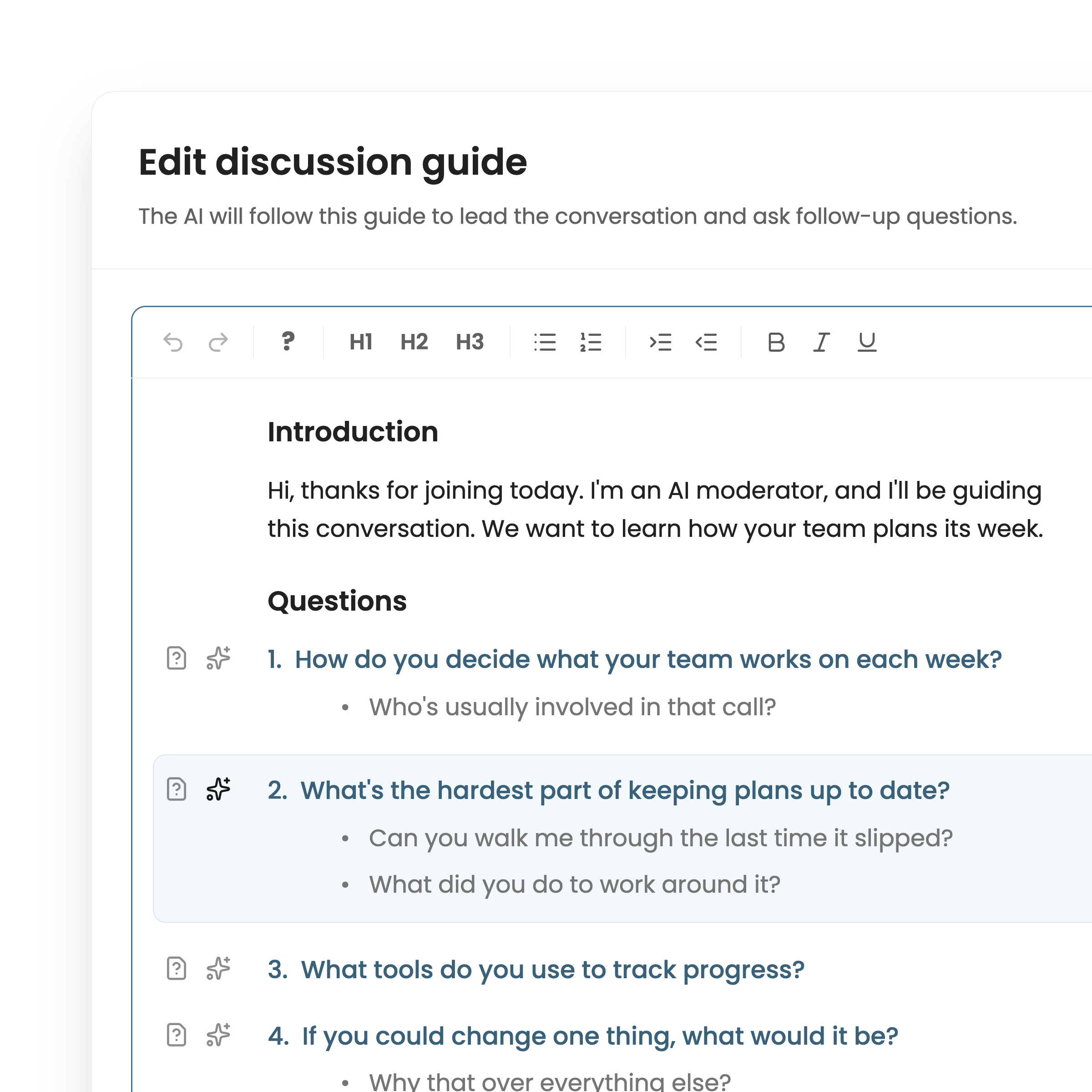
AI-moderated interviews


What can I test with Hubble's mobile testing feature?
Use Hubble to test native mobile apps and mobile websites on participants' phones. Observe how people complete key tasks, navigate flows, and react to the experience to uncover usability issues and opportunities for improvement.
Are mobile tests conducted on real devices or simulators?
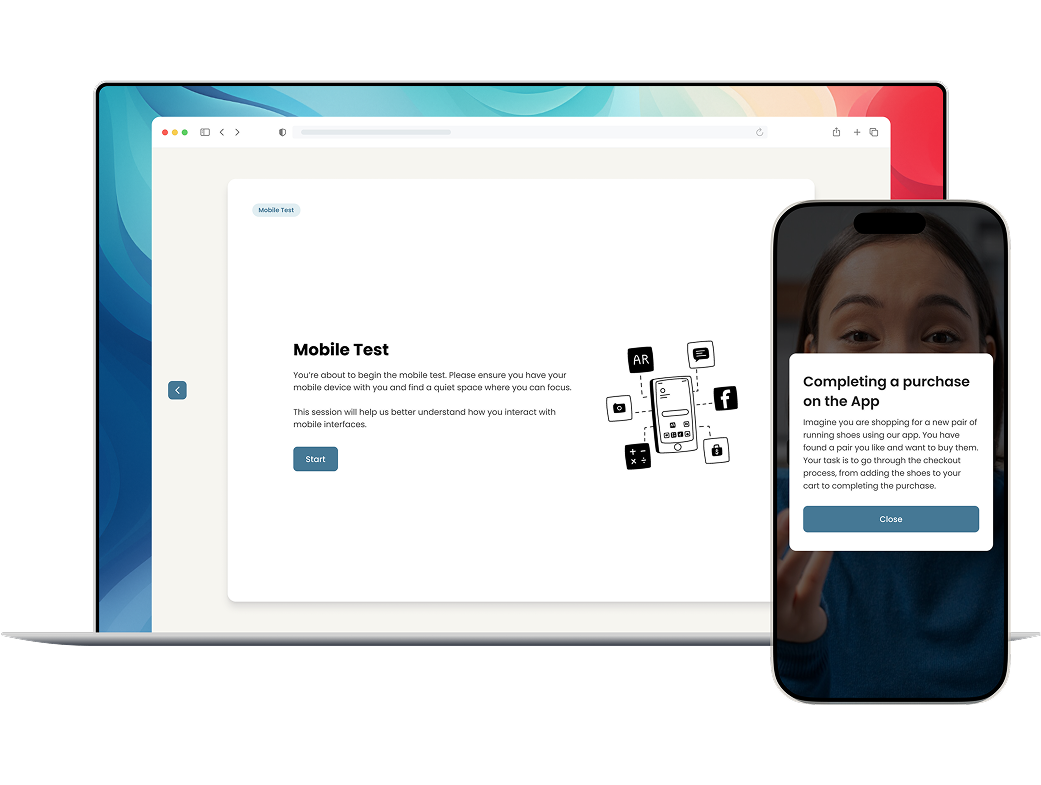
Mobile tests run on participants' own phones, not simulators. Participants are required to download the Hubble mobile testing app to take part, allowing you to capture real-device interactions and session recordings more reliably.
How do I set up a mobile test in Hubble?
Create a mobile test in Hubble, then add tasks and instructions that reflect what you want participants to accomplish. Once the study is ready, share it with your participants so they can complete the test independently on their phones. You can set up and launch a study in minutes.
How do participants join and complete a mobile test?
Participants download the Hubble mobile testing app to join the study. The app guides them through starting a recording, completing the assigned tasks, and uploading their feedback. This guided experience helps participants stay on track and supports more reliable capture of mobile testing data.
What recordings and feedback can I capture during a mobile test?
Hubble captures screen recordings and can collect voice and camera recordings, depending on the study setup and participant permissions. Review how participants navigate, tap, and use gestures, alongside their spoken feedback and reactions, to understand the mobile experience in context.
How do I analyze mobile test results in Hubble?
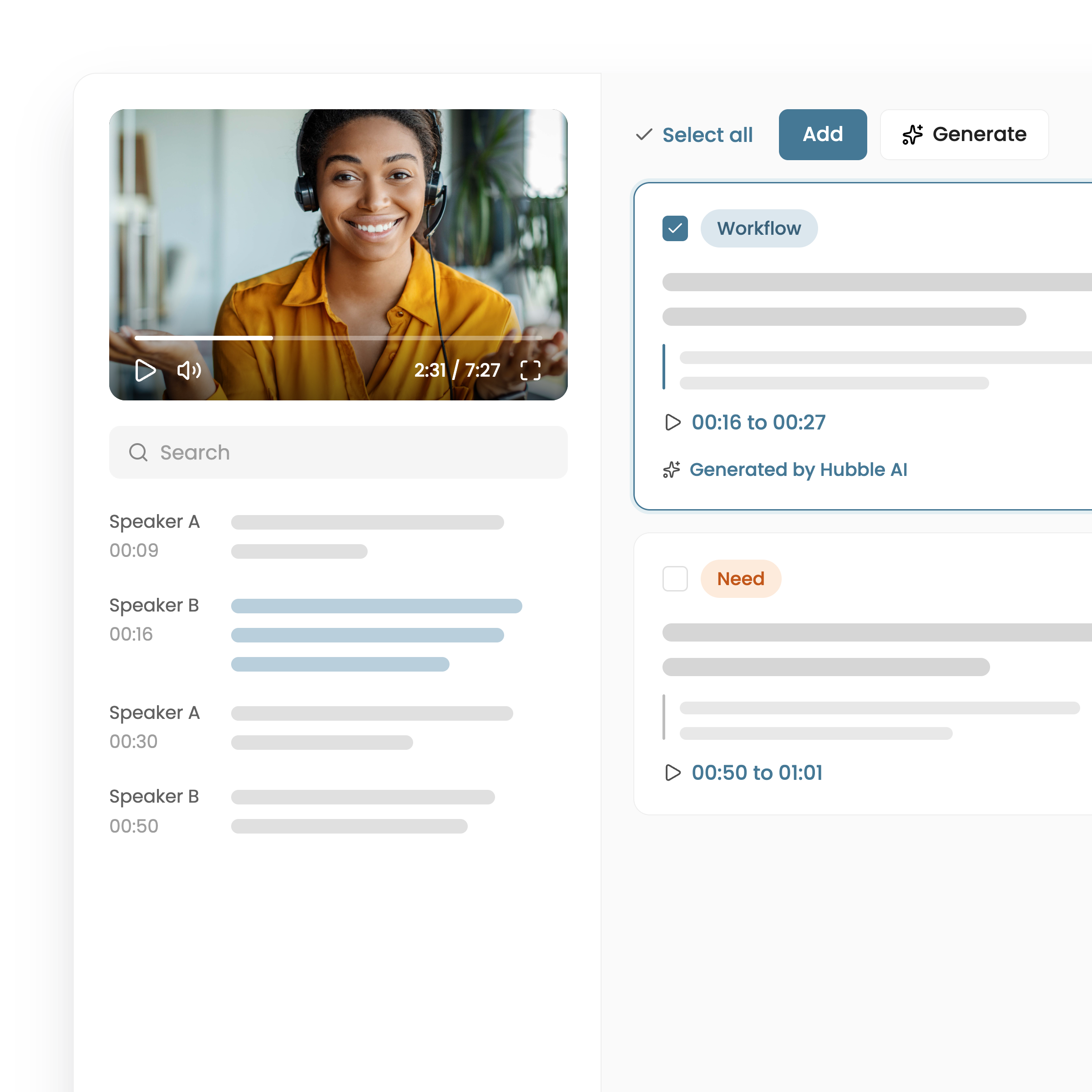
Review session recordings and participant feedback to identify confusing navigation, moments of hesitation, and other usability issues. Hubble's video analysis supports timestamped notes, while AI-assisted summaries and note generation help you surface key moments and turn findings into actionable improvements.