What is prototype testing, and when should I use it?
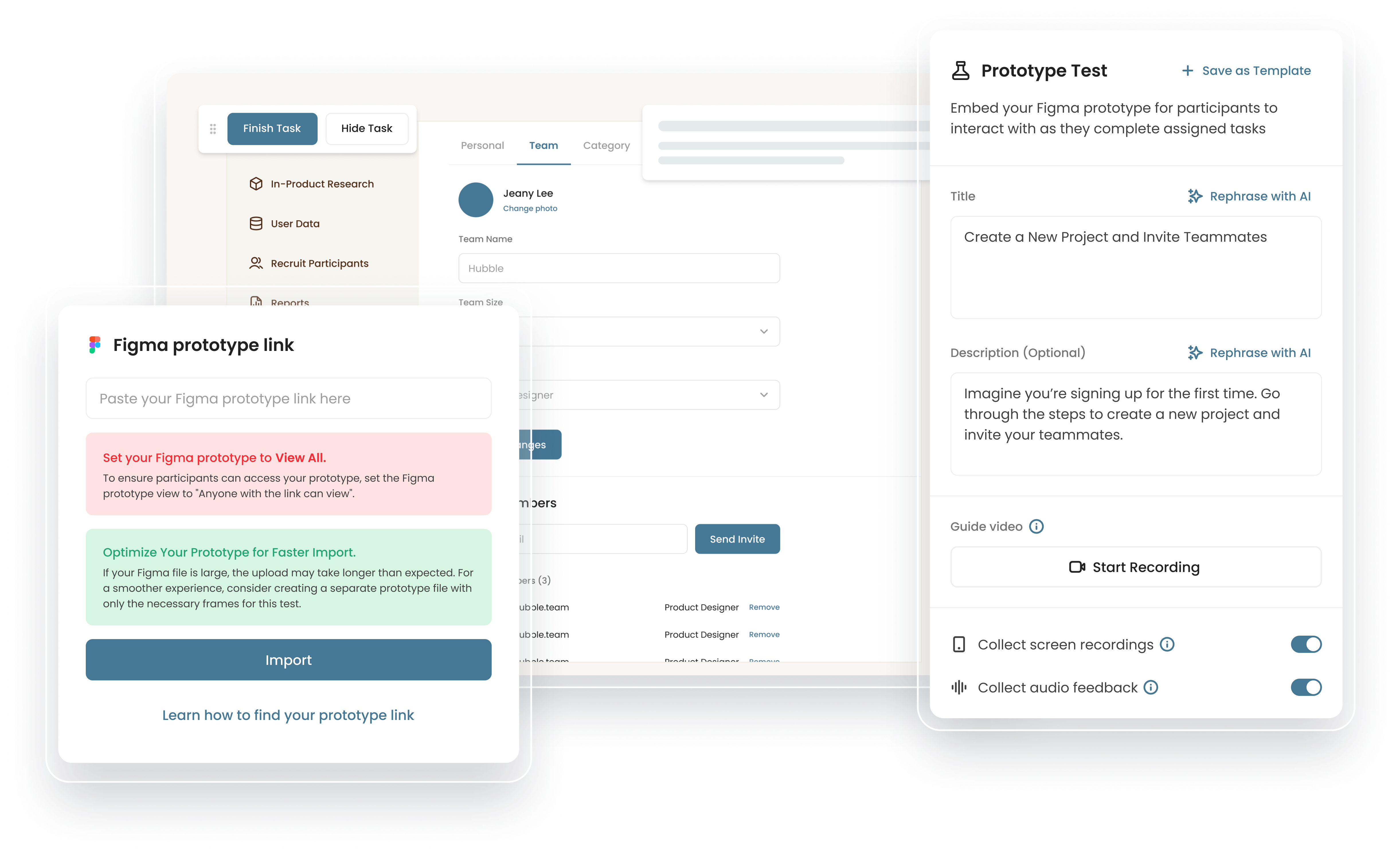
Prototype testing lets you observe how people interact with early stage prototype or design. Before production, bring your concept to the customers to evaluate its value proposition and identify usability issues early to inform next step design decisions.
How do I set up a Figma prototype test in Hubble?
Once you connect your Figma account, you can insert the prototype link directly in Hubble. As you preview the prototype, you can customize detailed tasks to reflect what you want your users to accomplish. No coding or engineering setup is required.
Can participants complete prototype tests without a moderator?
Yes. Hubble supports unmoderated prototype tests, so participants can work through tasks independently. You can share the study with your internal customers or recruit external participants via Hubble, then review their recorded interactions and feedback.
What recordings and behavioral insights can I collect?
Hubble captures screen recordings and can collect voice and camera recordings to add context to participants' actions. Advanced visuals, such as heatmaps and visual overlays, help you see where people click, hover, or hesitate as they navigate a prototype.
Can I ask follow-up questions during a prototype test?
Yes. Add follow-up questions via "steps" to learn what participants thought, where they struggled, and how satisfied they were with the experience. Combining task observations with their explanations helps uncover the reasons behind user behavior.
How do I analyze prototype test results in Hubble?
Review session recordings, heatmaps, and follow-up responses to spot navigation issues and points of friction. Hubble's video analysis offers AI-assisted flow, including AI summaries and AI note generation.