Why Hubble
Features
UNMODERATED
Prototype Test
AI Moderated Interviews
Desktop Web Test
Mobile Test
Card Sorting
Tree Testing
Surveys
MODERATED
Moderated Interviews
IN-PRODUCT
Surveys
PARTICIPANT RECRUITMENT
Panel Recruitment
Participant CRM
HUBBLE AI
MCP
USE CASES
UX Research
Product Design
Marketing
Product Management
Resources
LEARN
Research Guides
Blog
Customer Stories
Webinars
GET STARTED
Templates
SUPPORT
Help center
Documentation
Changelog
FEATURED ARTICLES
Hubble vs Maze
In this blog post, we will compare Hubble vs Maze, highlighting each of their features and how they can be used for different research methodologies.
Read full story
Hubble vs UserTesting
In this blog post, we dive deep to compare Hubble vs UserTesting.
Read blog post
Pricing
Log in
Log In
Book a Demo
Contact Sales
AI INTEGRATIONS
Hubble MCP
Bring your research into Claude, ChatGPT, and Cursor, so every answer comes with evidence from real users.
HOW IT WORKS
Your research, inside the AI tools
your team already uses
Connect once, then ask questions about your studies from any MCP-compatible assistant.
STEP 1
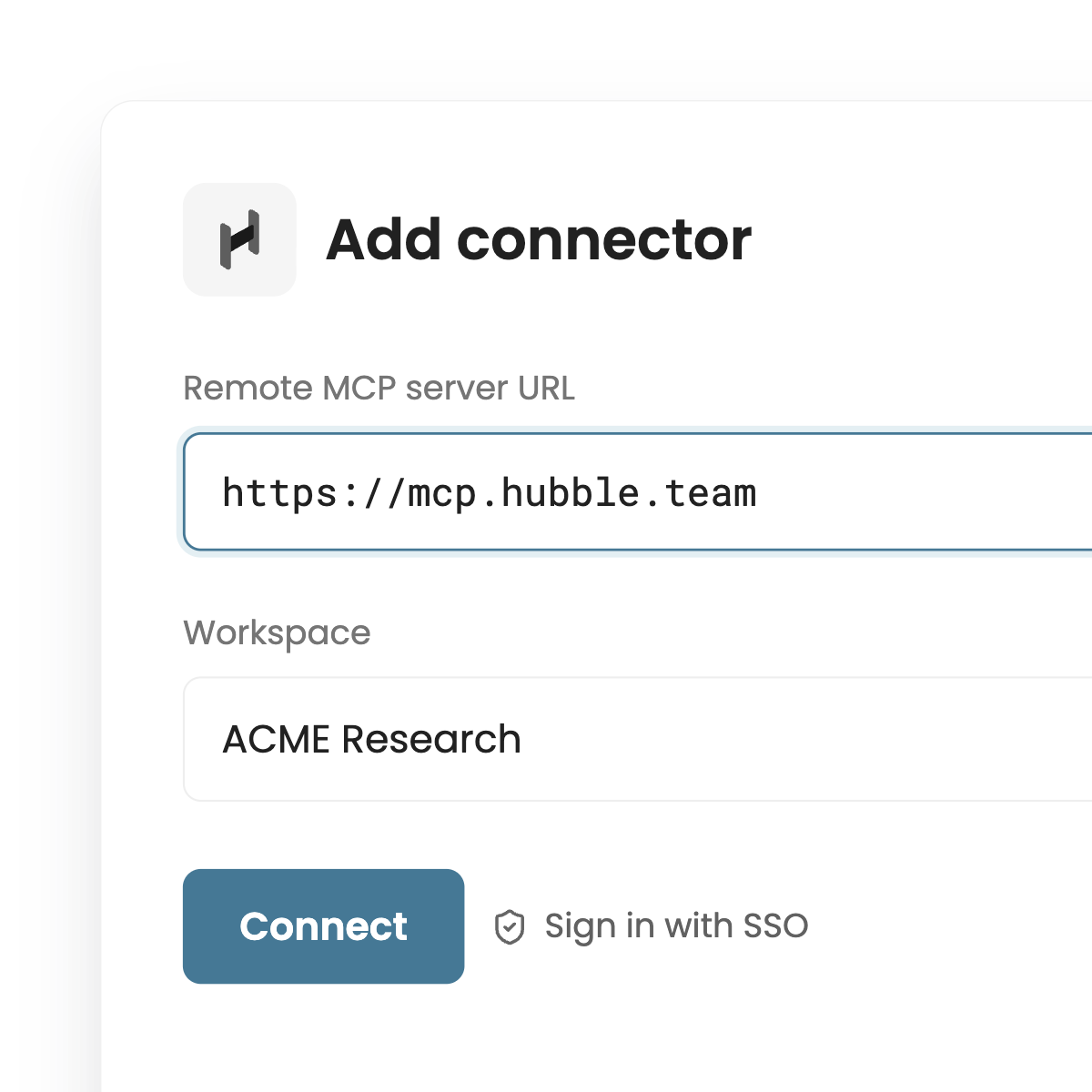
Connect Hubble in one step.
Add the Hubble MCP server to Claude, ChatGPT, or Cursor and sign in with your workspace.
STEP 2
Ask about your research.
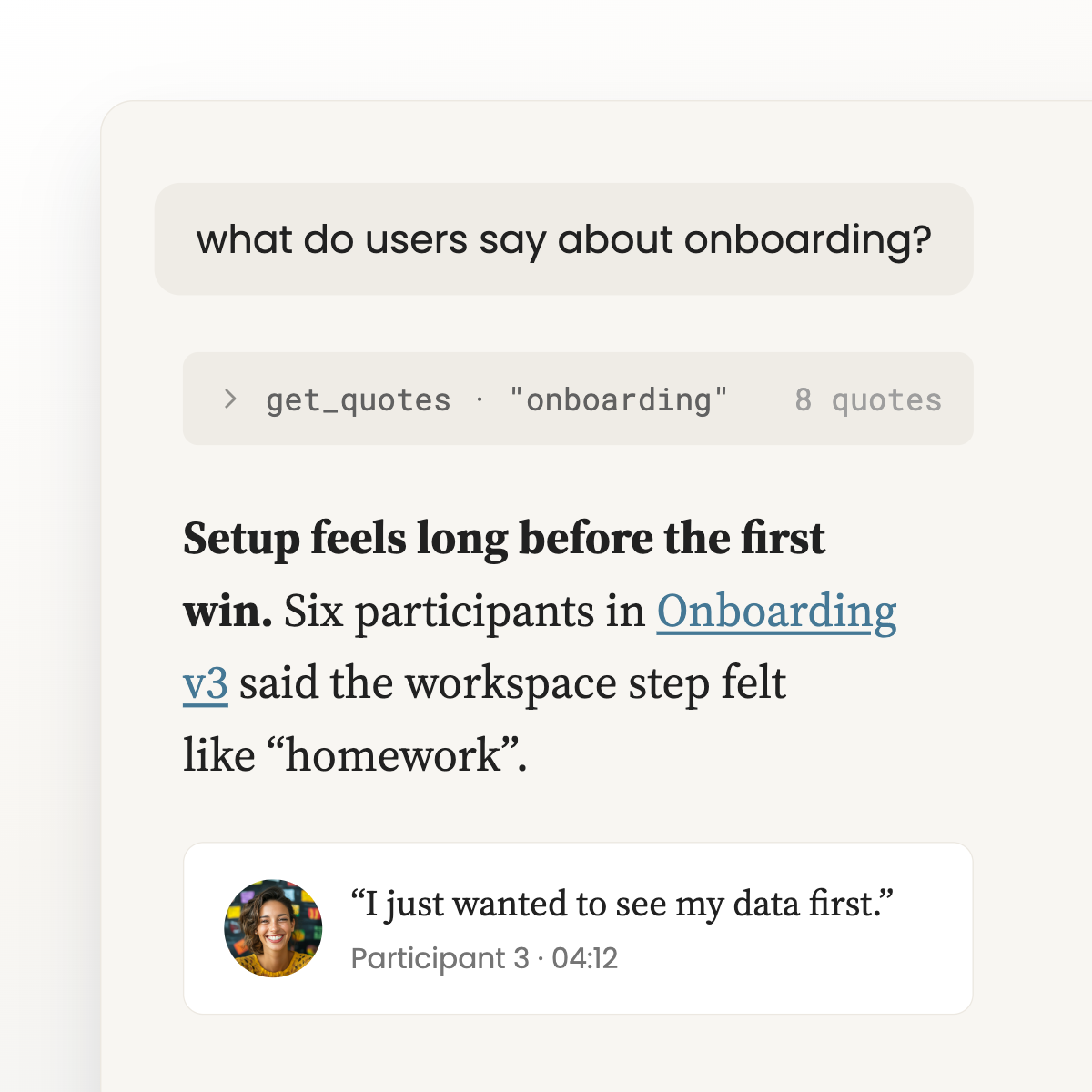
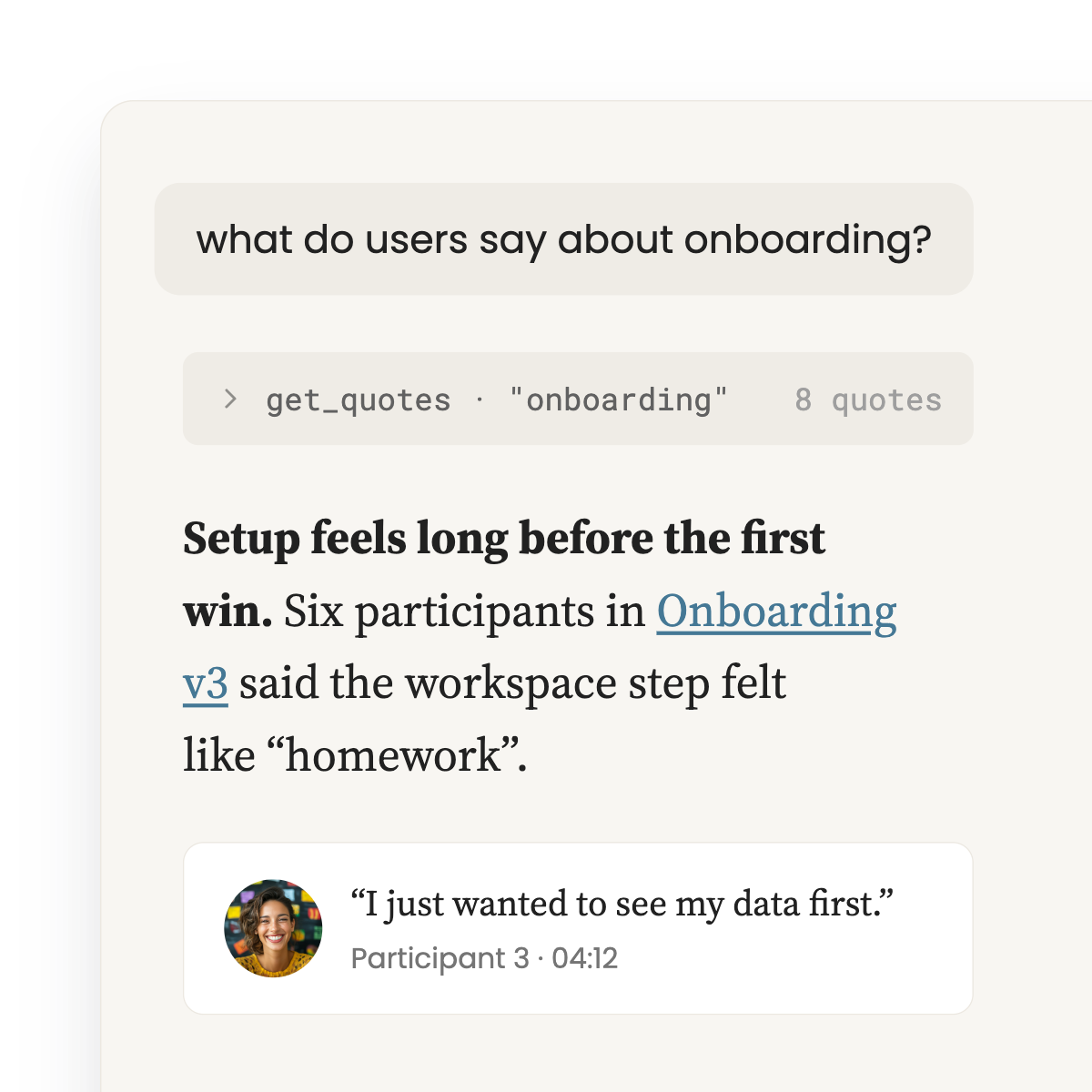
Get answers pulled from your studies, with themes, quotes, and clips cited.
STEP 3
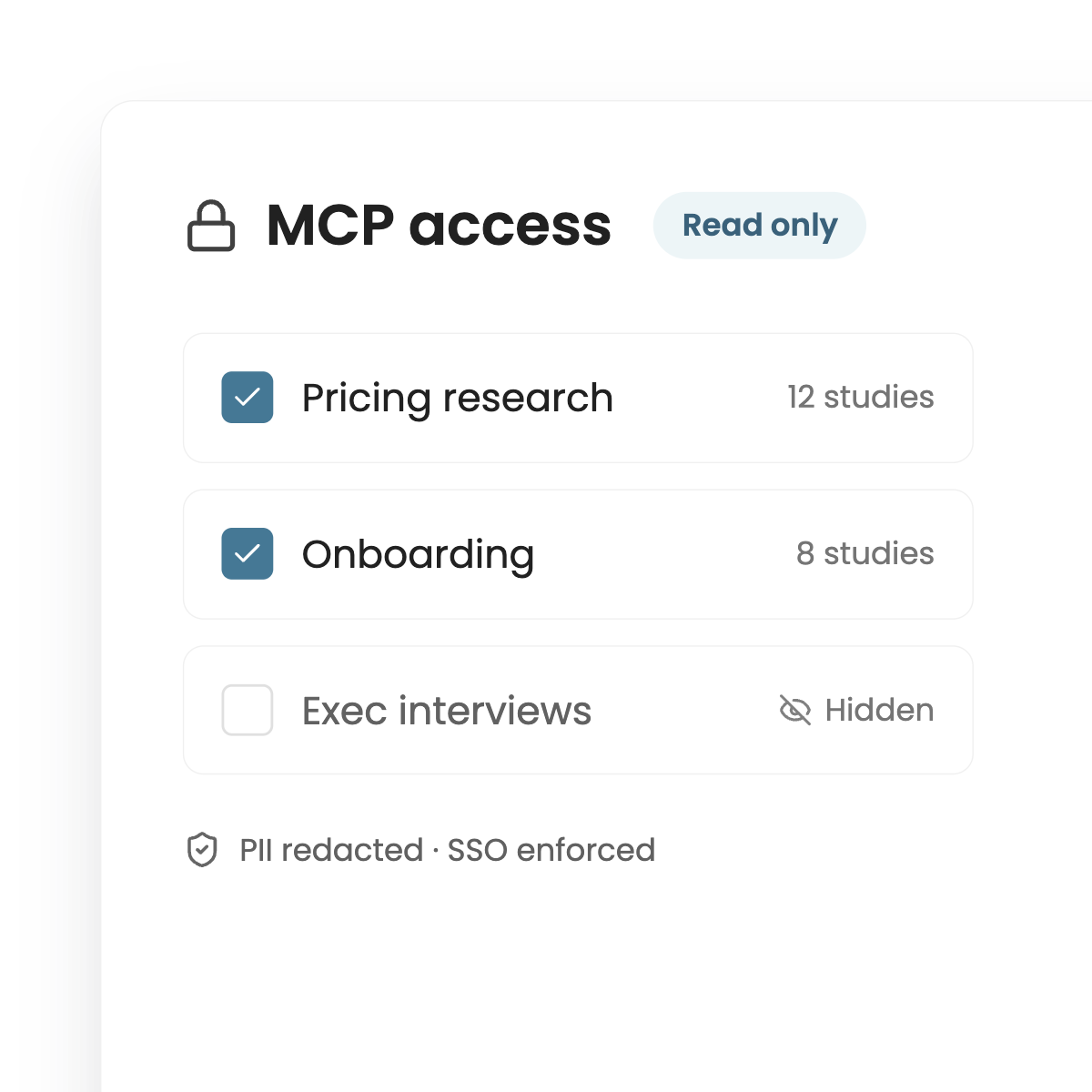
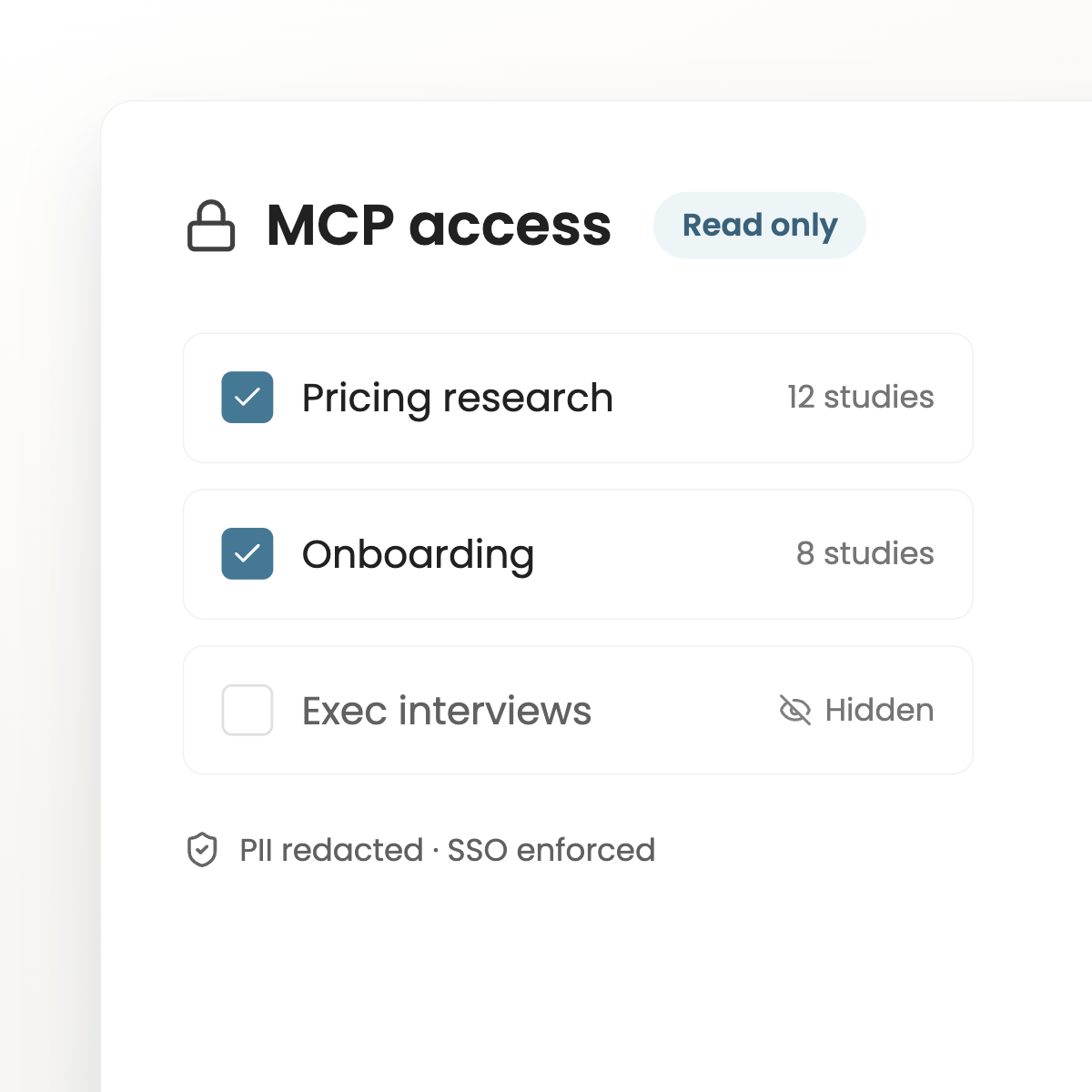
Control what AI can see.
Choose which projects are shared. Access is read-only, with PII redacted and SSO enforced.
ANSWERS WITH EVIDENCE
Every answer traces back to real users
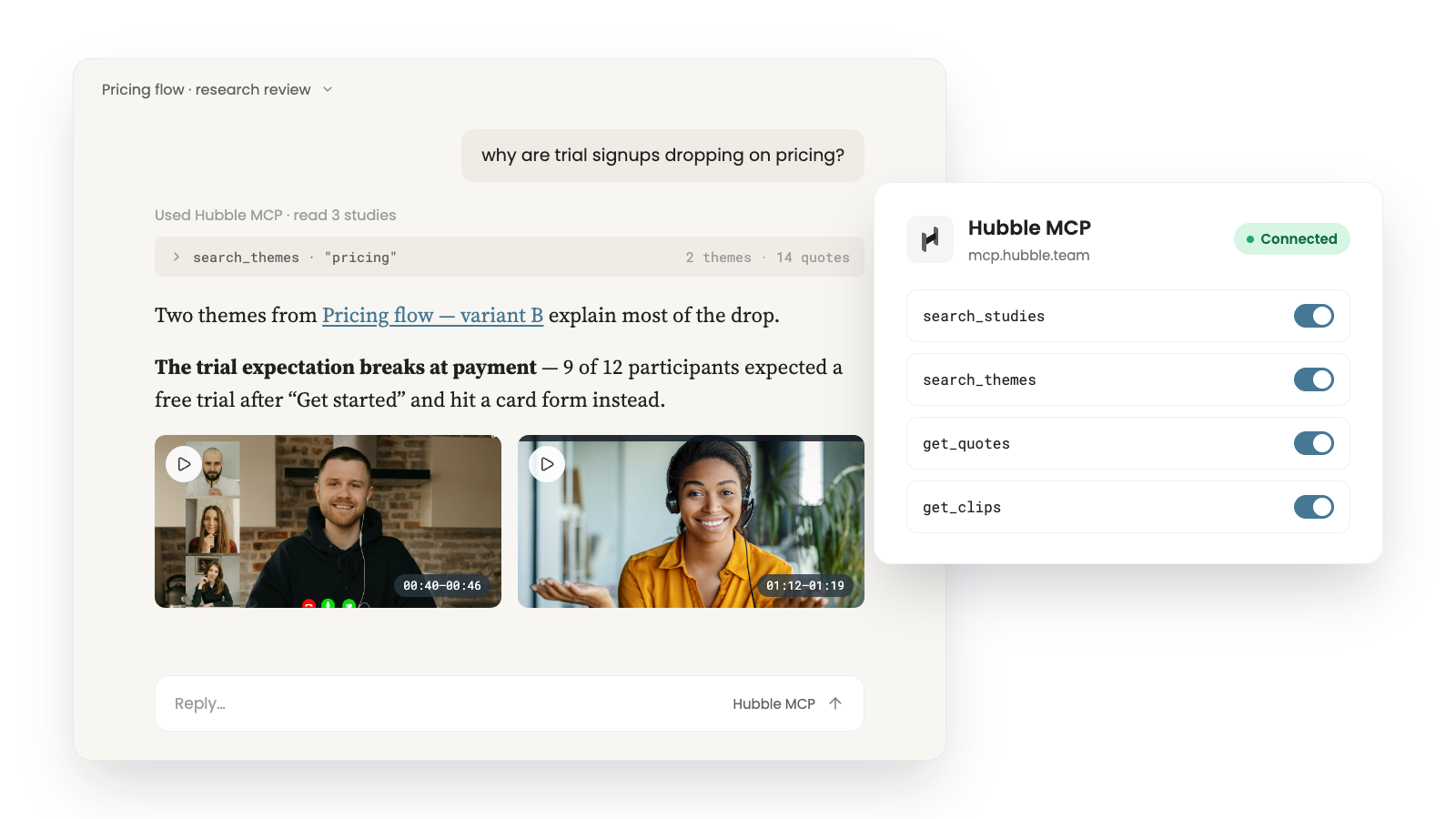
Hubble MCP returns themes, quotes, and timestamped clips from your studies, so AI answers cite what participants actually said.
Text
SECURE BY DEFAULT
You decide what AI can see
Share only the projects you choose. Access is read-only, PII is redacted, and SSO and workspace permissions apply to every request.
Text
BUILT FOR RESEARCH TEAMS
Stop digging through old studies for answers
Anyone on your team can get grounded answers without waiting on a researcher.
Works where you work
Use Hubble from Claude, ChatGPT, Cursor, or any client that supports the Model Context Protocol.
Cited answers
Every response links back to the study, theme, and clip it came from.
Search across studies
Ask one question and get findings from usability tests, interviews, and surveys at once.
Enterprise controls
Read-only access, project-level sharing, PII redaction, and SSO come standard.
Put your research to work in every AI tool your team uses.
Book A Demo