

What are moderated user interviews, and when should I use them?
Moderated interviews are live conversations with participants where a researcher can ask follow-up questions in real time. They’re useful for understanding user needs, exploring feedback in depth, and uncovering the reasoning behind participants’ experiences and decisions.
How do I recruit and schedule participants for interviews?
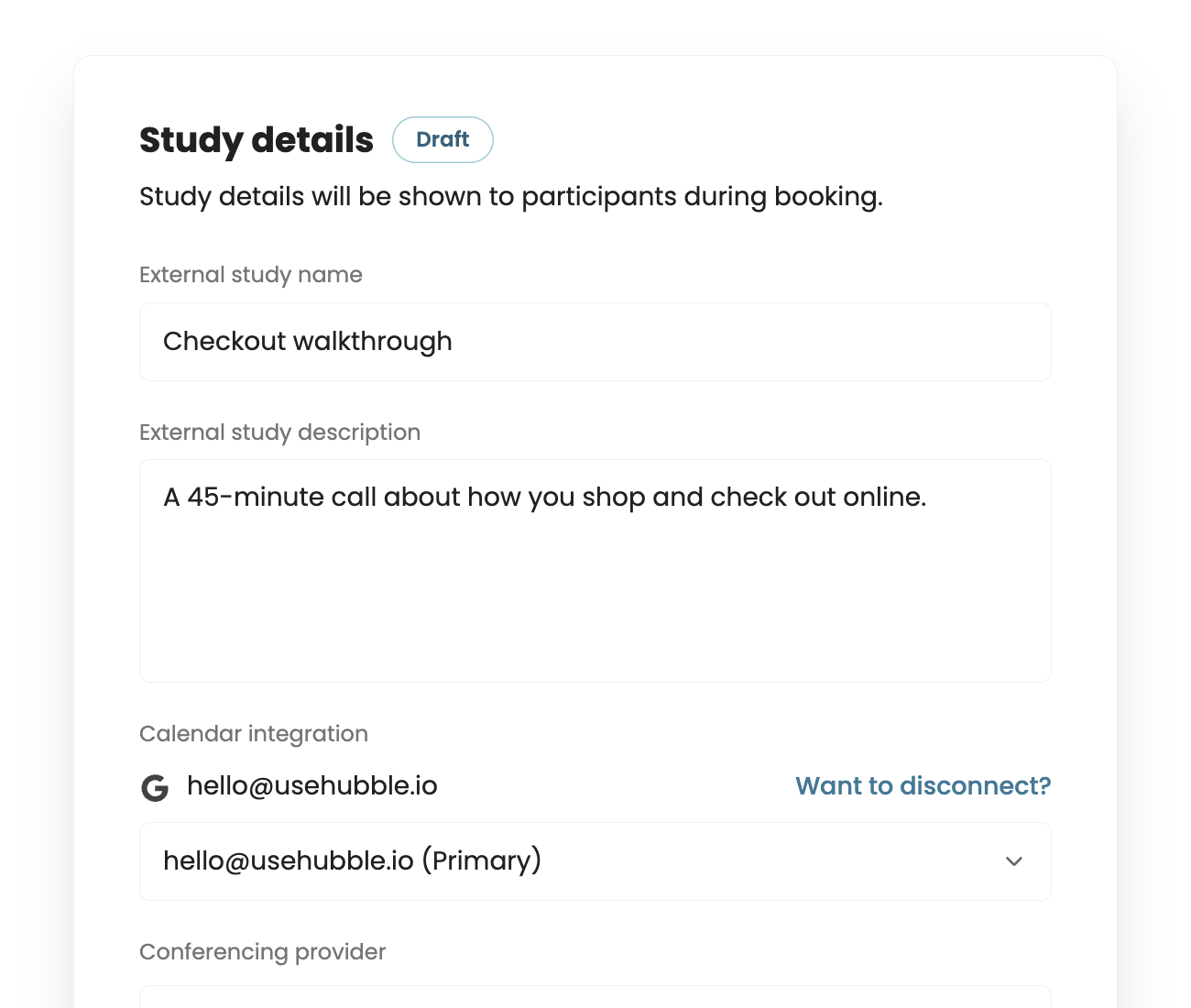
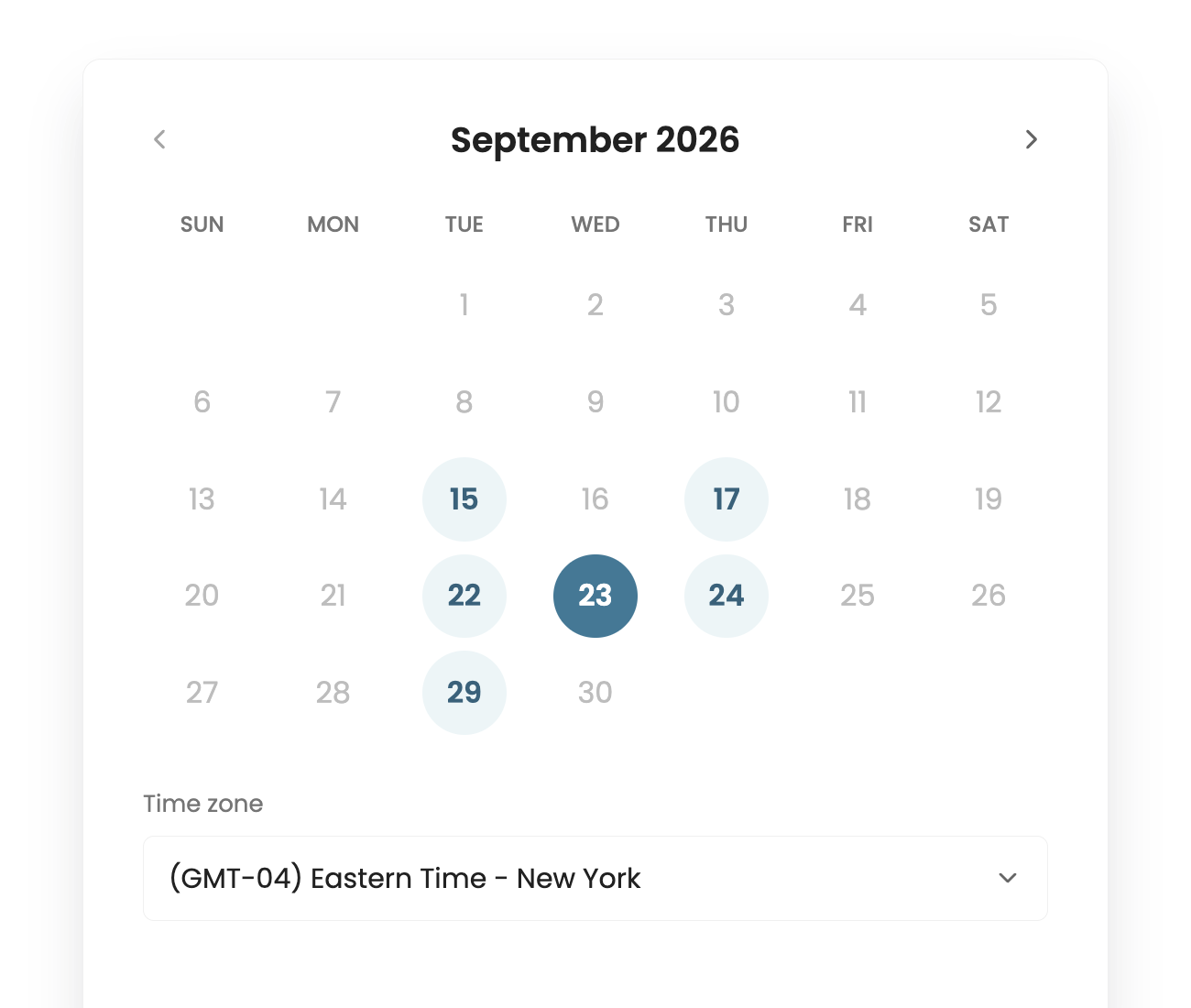
You can invite your own participants or recruit through Hubble's participant pool. Once you've created your interview study, connect your calendar and share your availability. Participants can book an open time slot, and Hubble automatically sends meeting invitations and reminders.
Which calendar and video conferencing tools does Hubble support?
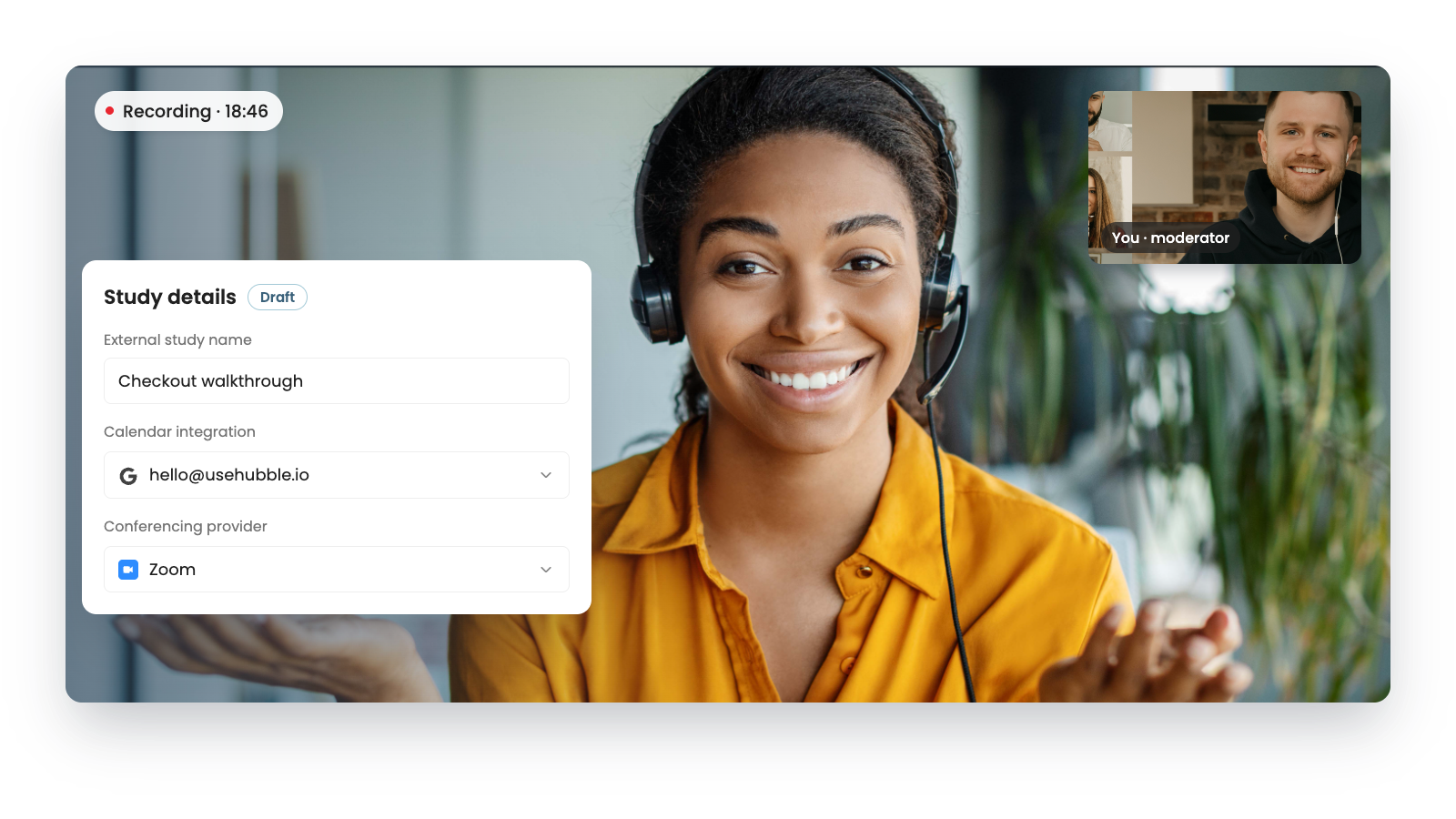
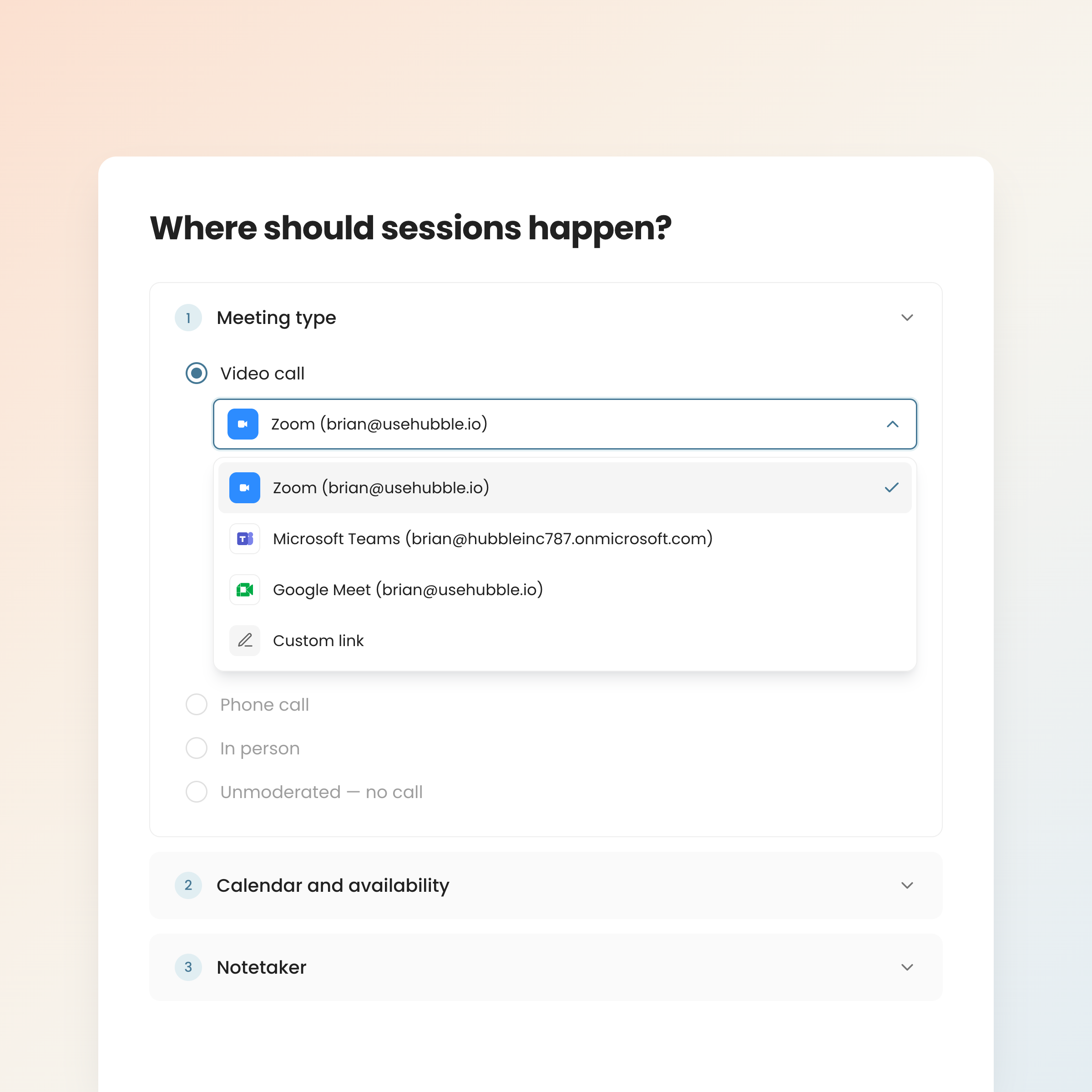
Hubble supports scheduling and live interview workflows with tools such as Outlook, Zoom, Microsoft Teams, and Google Meet. Participants receive a video meeting link after booking, so you can run sessions using familiar tools.
How does Hubble's AI notetaker record and transcribe interviews?
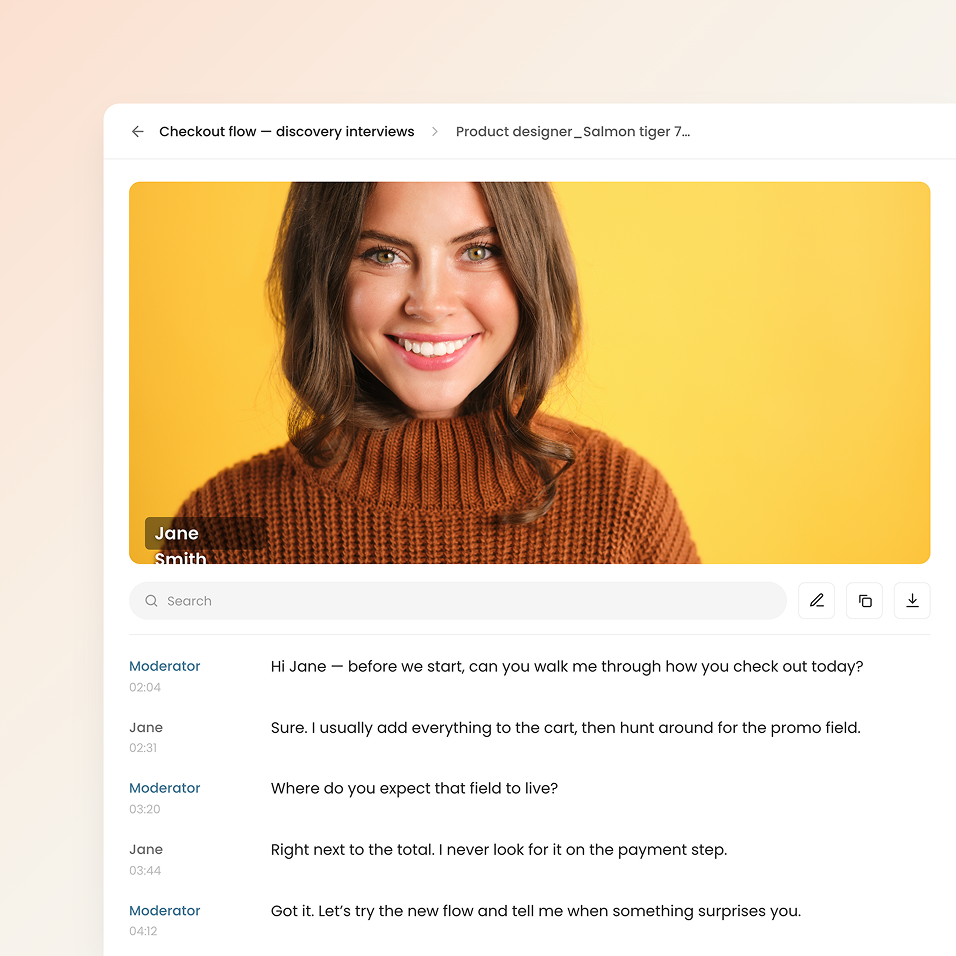
Enable Hubble's AI notetaker for your interview, then admit it to the video call when it joins. Once admitted, it automatically records the session and uploads the recording to Hubble. It also generates a transcript and preliminary AI summaries and notes for you to review after the interview.
How does Hubble use AI to analyze interview sessions?
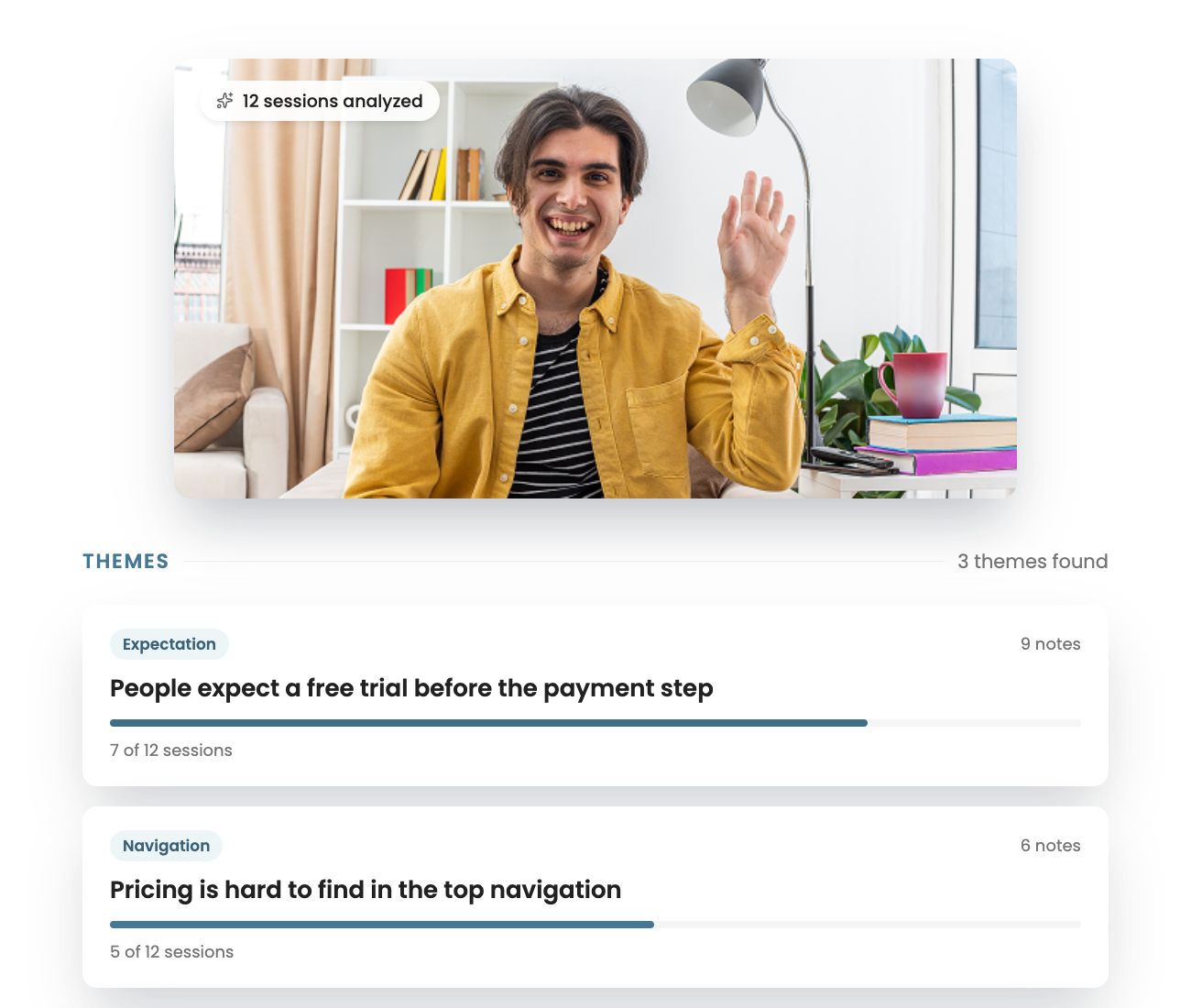
Hubble's AI notetaker prepares initial summaries and notes after each recorded session, helping you review key moments and participant feedback without starting from scratch. You can revisit the recording and transcript, add your own observations, and compare insights across interviews to identify recurring themes.
Can I turn interview notes and recordings into a findings report?
Yes. Bring together your interview notes, recordings, transcripts, and AI-generated summaries in Hubble. Highlight important moments and participant quotes, organize related insights into themes, and use the report builder to create a shareable findings report for your team.