Why Hubble
Features
UNMODERATED RESEARCH
Prototype Test
AI Moderated Interviews
Desktop Web Test
Mobile Test
Card Sorting
Tree Testing
Surveys
MODERATED RESEARCH
Moderated Interviews
IN-PRODUCT RESEARCH
Surveys
PARTICIPANT RECRUITMENT
Panel Recruitment
Participant CRM
USE CASES
UX Research
Product Design
Marketing
Product Management
Resources
LEARN
Research Guides
Blog
Customer Stories
Webinars
GET STARTED
Templates
SUPPORT
Help center
Documentation
Changelog
FEATURED ARTICLES
Hubble vs Maze
In this blog post, we will compare Hubble vs Maze, highlighting each of their features and how they can be used for different research methodologies.
Read full story
Hubble vs UserTesting
In this blog post, we dive deep to compare Hubble vs UserTesting.
Read blog post
Pricing
Log in
Log In
Book a Demo
Contact Sales
PARTICIPANT MANAGEMENT
Participant CRM
Keep every internal nparticipant in one place so you can re-recruit the right people in minutes.
HOW IT WORKS
Build a reliable participant list for
any research
Every person you have ever researched with, in one searchable contact list.
STEP 1
Import your participants.
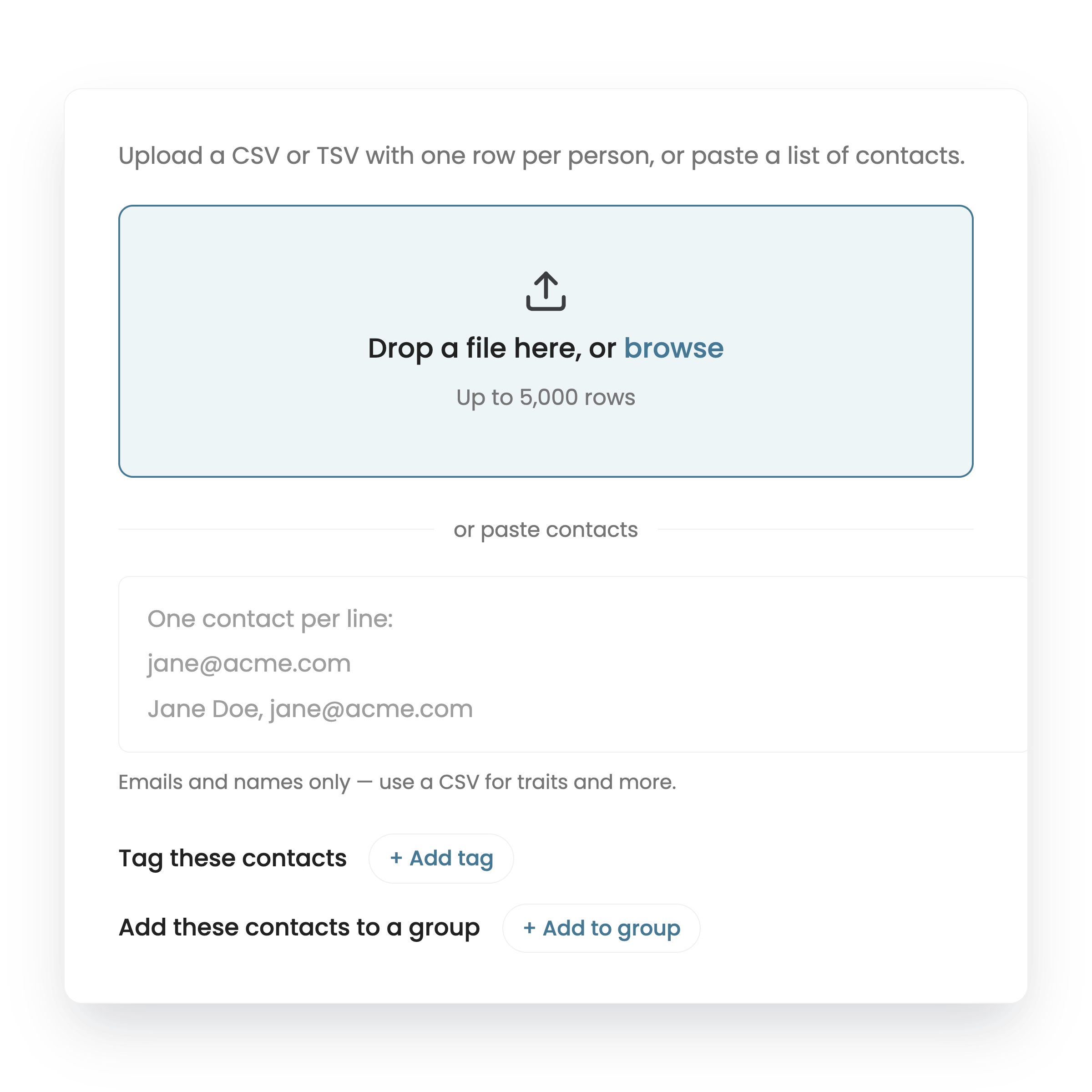
Import your list, recruit in-product, or add people as they finish a study
STEP 2
Filter to the right people.
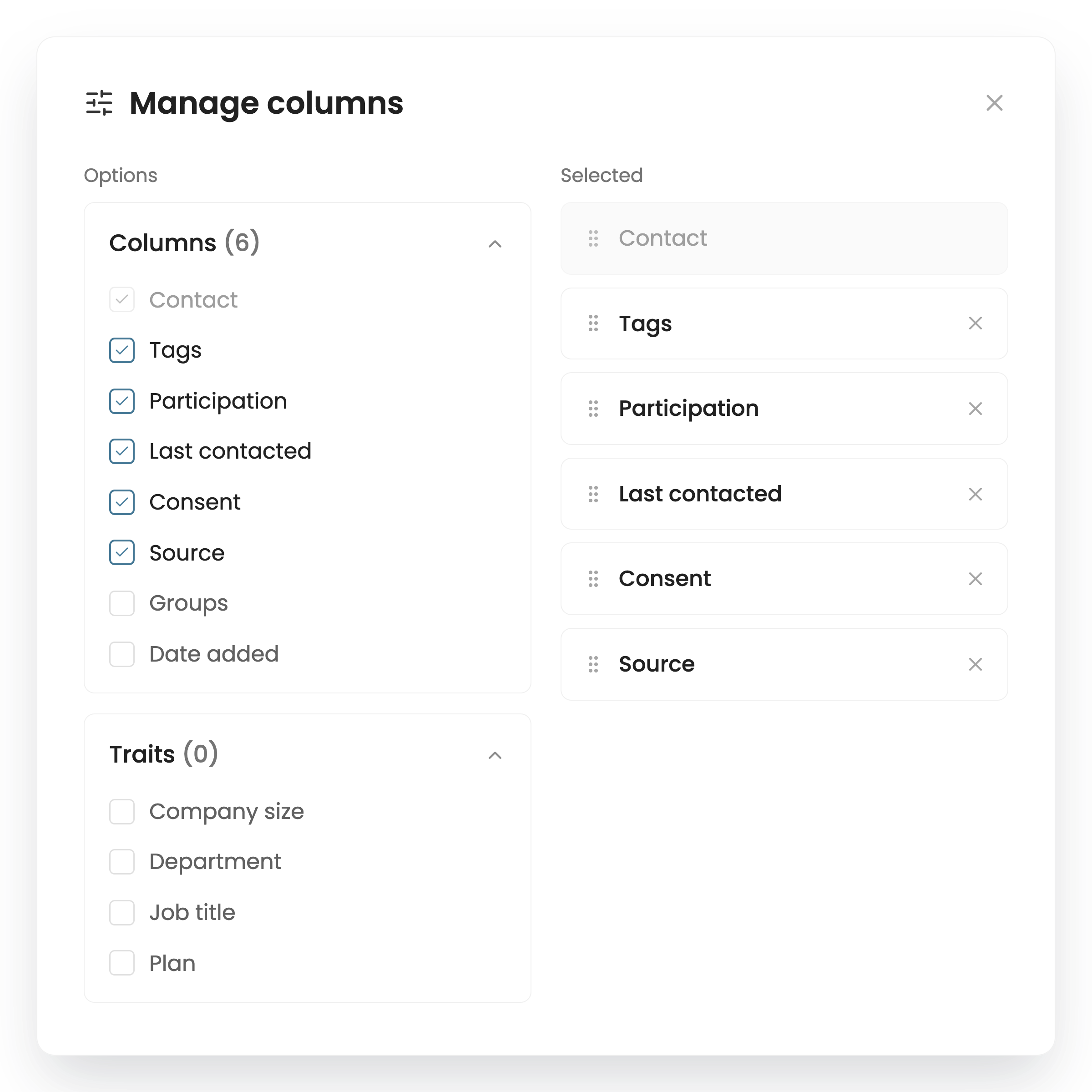
Search screener answers, attributes, and past sessions, then save the segment.
STEP 3
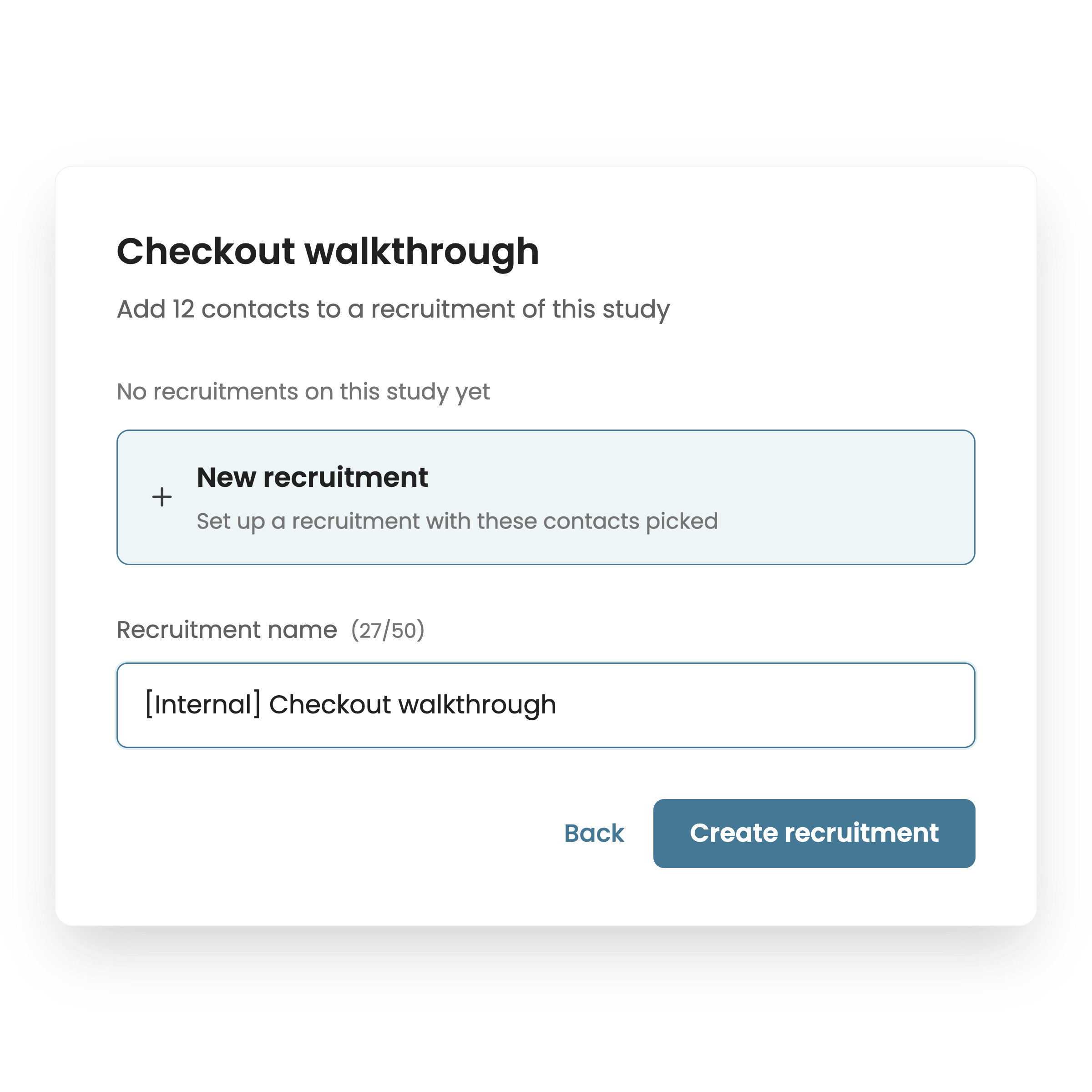
Invite and keep track.
Send the study and keep consent, incentives, and session history on every profile.
ONE SOURCE OF TRUTH
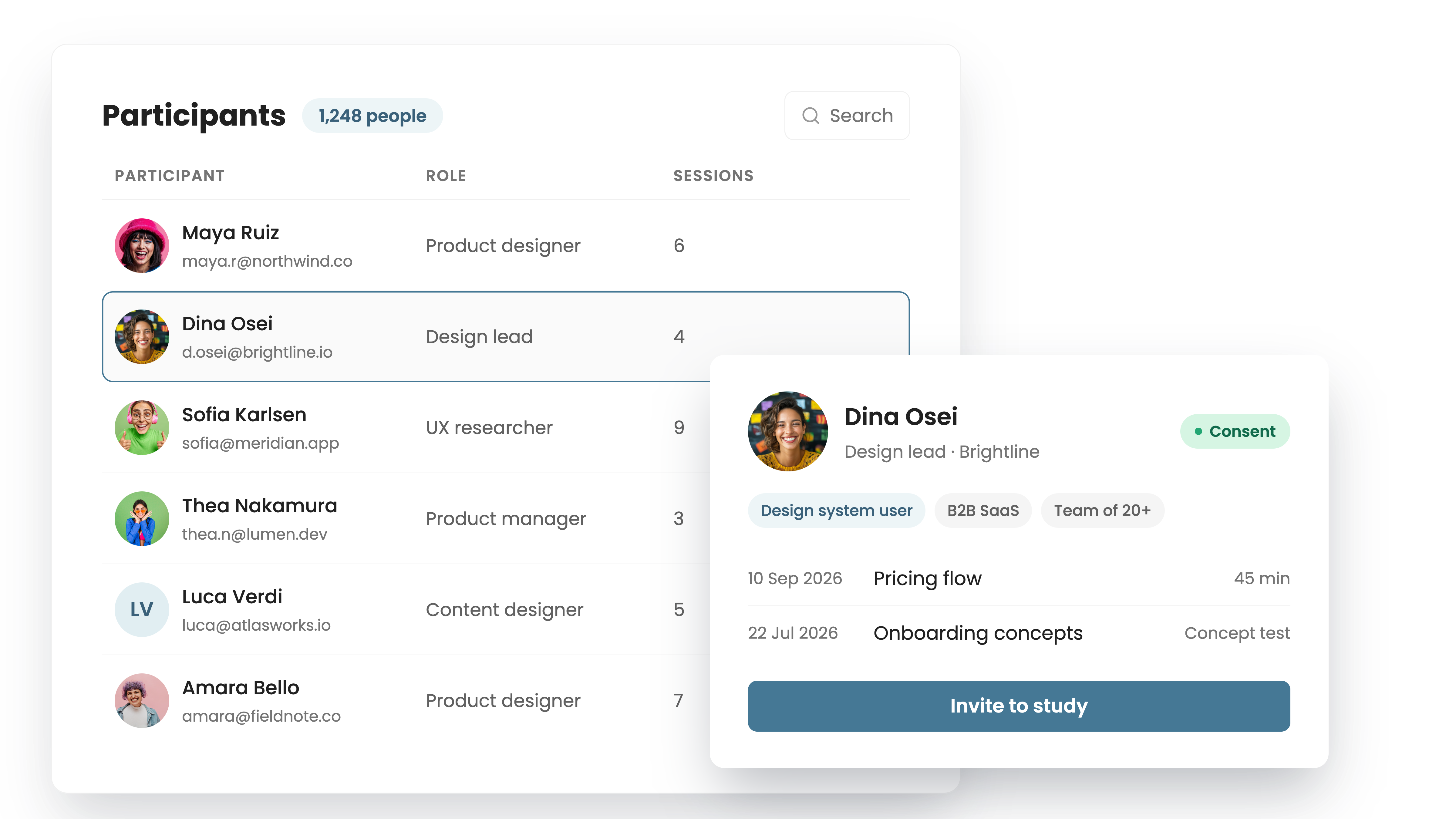
Every participant, with the context behind them
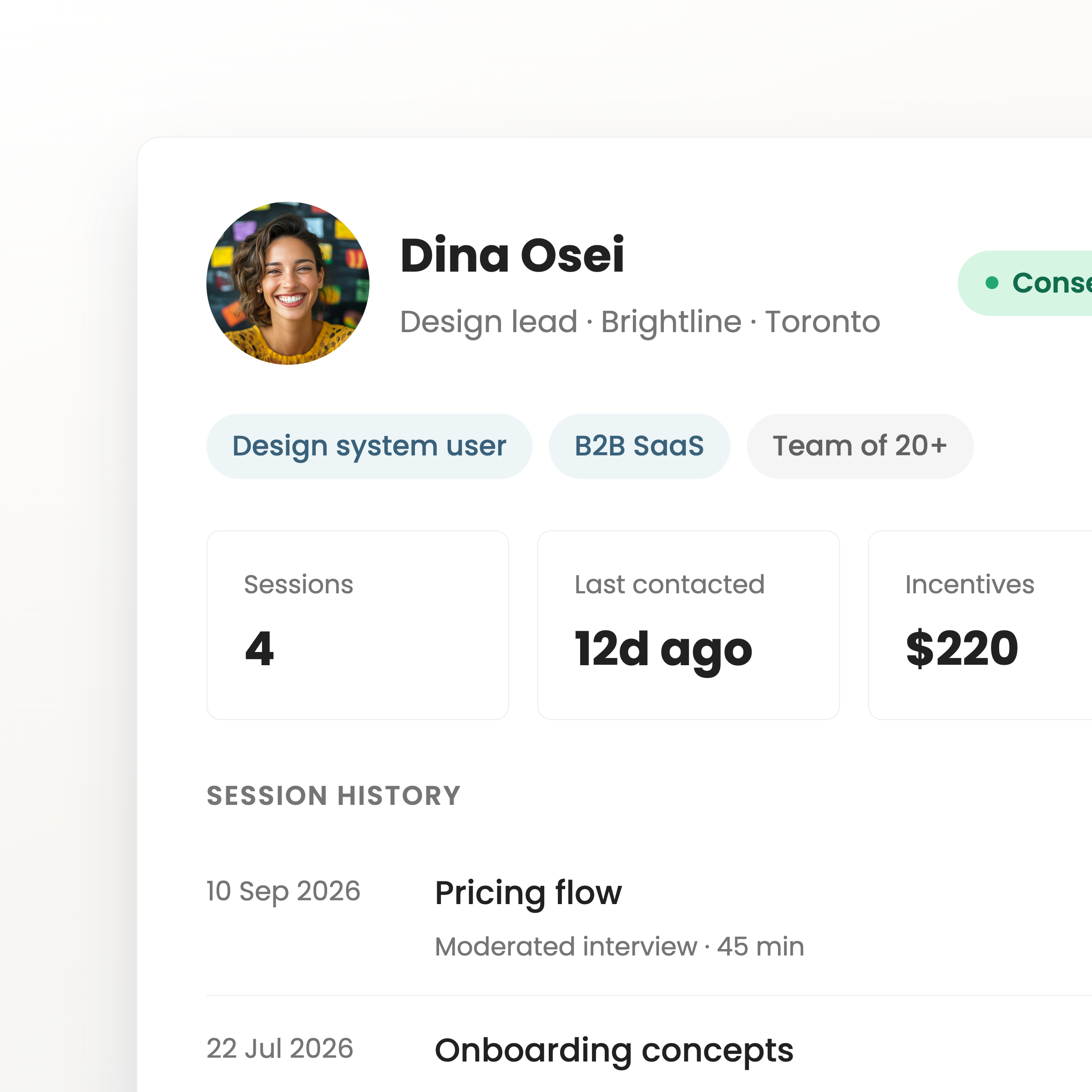
Profiles hold screener answers, attributes, session history, and notes, so you know who someone is before you invite them again.
Text
CONSENT AND COMPLIANCE
Handle Consent, incentives, and opt-outs
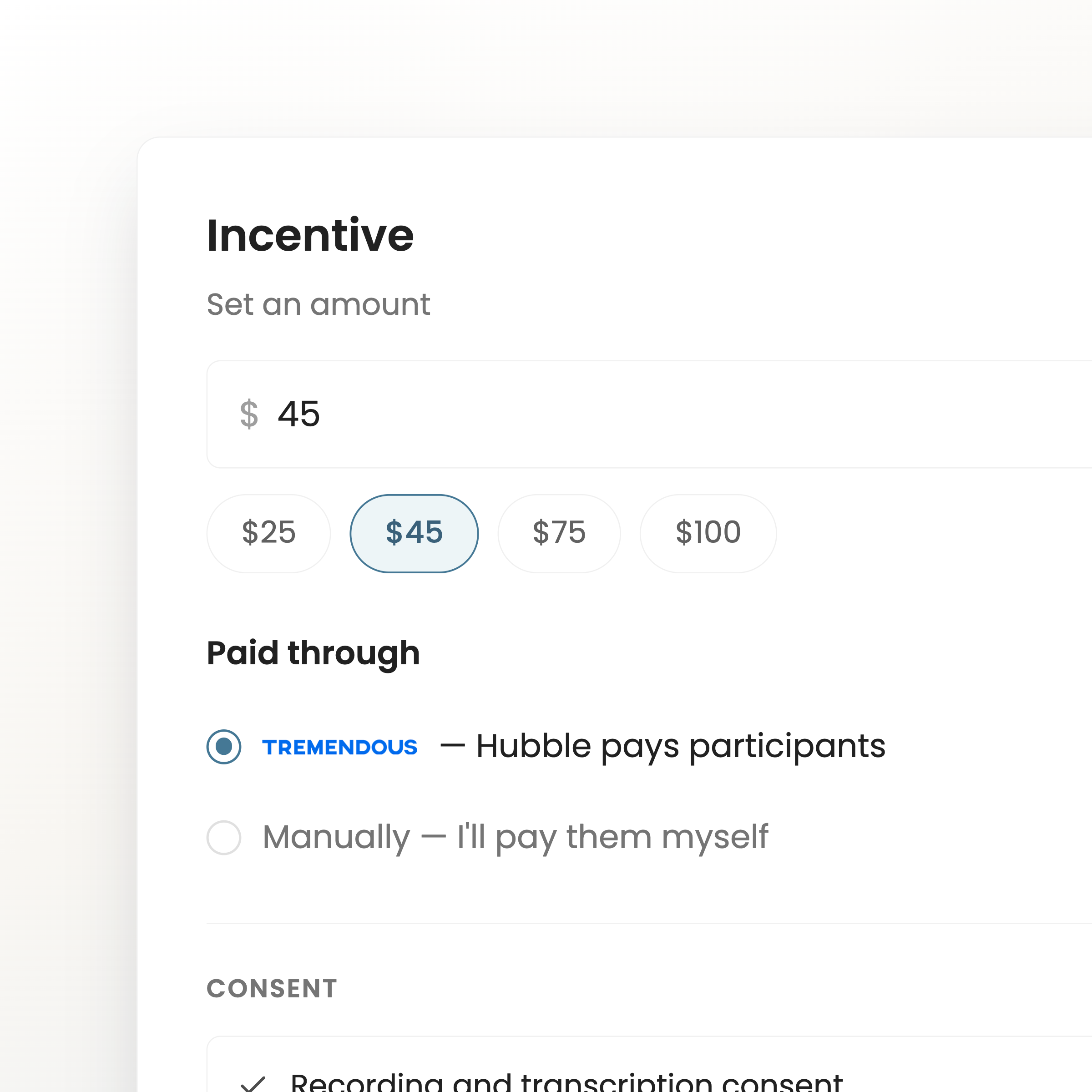
Hubble records consent, tracks incentives paid, and honors opt-outs and contact limits automatically across every study.
Text
YOUR PANEL, ALWAYS READY
Stop rebuilding your participant list for every study
Recruit once, then re-recruit from people who already know your product.
Rich profiles
Screener answers, attributes, and notes live on every participant, so context carries from one study to the next.
Saved segments
Filter by any attribute and save the result, so the next study starts with the audience already picked.
Session history
See every study a person has joined, what they said, and when you last contacted them.
Consent and incentives
Consent records, opt-outs, and incentive payouts are tracked on the profile — not in a spreadsheet.
Start building a participant panel your team can rely on.
Book A Demo